1
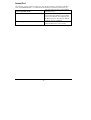
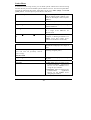
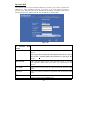
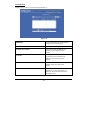
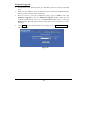
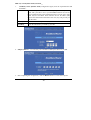
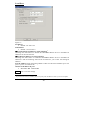
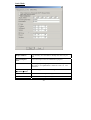
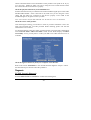
you to enter the starting IP Address
The starting address of this local IP
network address pool. The pool is a
piece of continuous IP address
segment. Keep the default value
192.168.1.1 should work for most
cases.
• Maximum: 253.
Default
value 253 should work for
most cases.
Note: If “Continuous IP address poll
starts” is set at 192.168.1.1 and the
“Number of IP address in pool” is
253, the device will distribute IP
addresses from 192.168.1.1 to
192.168.1.253 to all the computers in
the network that request IP addresses
from DHCP server (IP Sharing
Device)
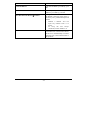
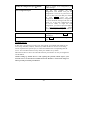
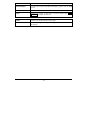
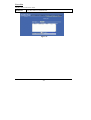
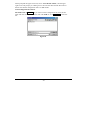
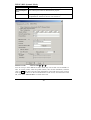
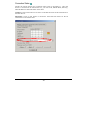
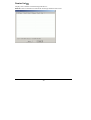
Click the ADD button to enter the
Static DHCP page. Enter IP and
Network adapter MAC addresses for
Static DHCP and click the ADD
button to save the settings. Click
DELETE ALL to clear all entries.
Click the Index drop-down menu to
select the desired entry number and
then click DELETE to delete only
the selected server. You can add up to
32 static DHCP IPs. Click BACK to
return to the Local Port page to
continue
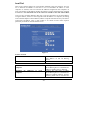
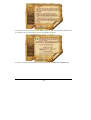
When necessary, enter the IP Address
of the Windows domain name server.
Start IP address
Number of IP address
Static DHCP IP&MAC addr
WINS server
SAVE
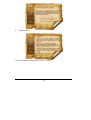
After completing the settings on this
page, click SAVE to save the
settings.
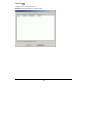
Click UNDO to clear all the settings
on this page.
UNDO
- 17 -