1
Chapter 3: Getting To Know Your 8525
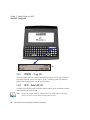
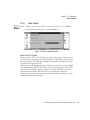
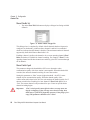
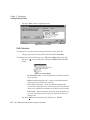
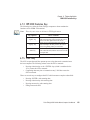
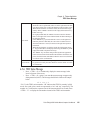
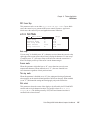
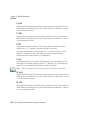
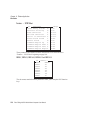
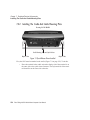
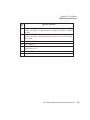
PWR/CHG – Charge LED
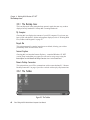
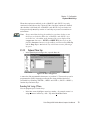
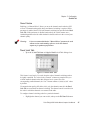
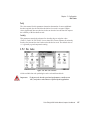
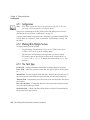
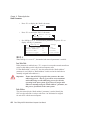
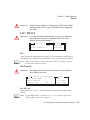
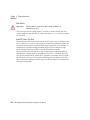
LEDs
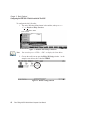
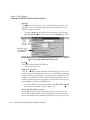
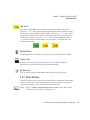
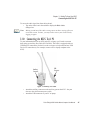
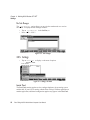
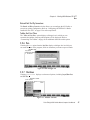
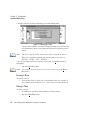
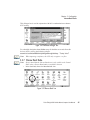
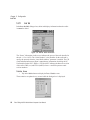
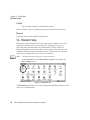
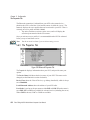
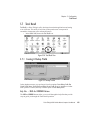
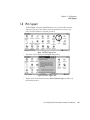
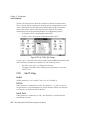
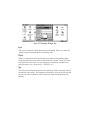
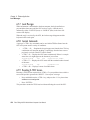
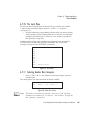
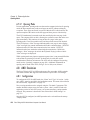
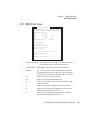
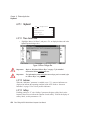
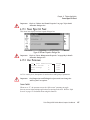
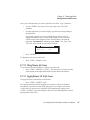
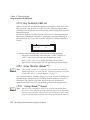
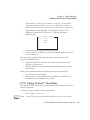
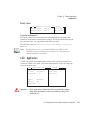
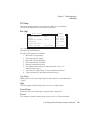
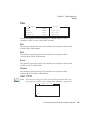
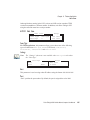
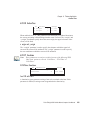
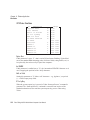
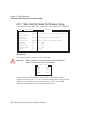
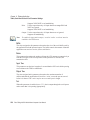
Figure 3.5 Keyboard LEDs
3.6.1.1
PWR/CHG – Charge LED
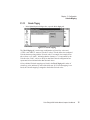
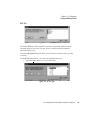
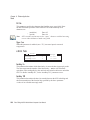
The lower-right LED is reserved for internal charger/power status. This LED turns
solid green when the unit is receiving AC power. A blinking green LED indicates
that the unit is taking power from the backup battery.
3.6.1.2
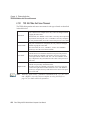
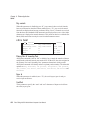
RX/TX – Radio Traffic LED
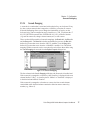
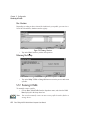
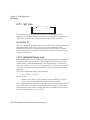
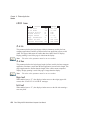
The upper-left LED on your 8525 flashes either orange or green to indicate when the
radio transmits and receives data.
Note: Keep in mind that while the standard 802.11b radio supports the transmit/receive LED, not all radios support this function.
34
Psion Teklogix 8525 Vehicle-Mount Computer User Manual