1
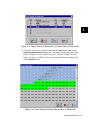
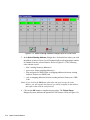
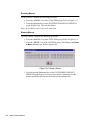
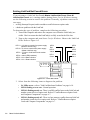
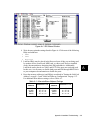
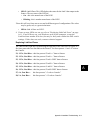
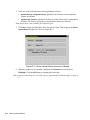
13. To test the system, the backup computer should activate and deactivate INSTANT and
FADER PRESETS for Songs or follow the CueList on the main system.
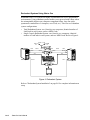
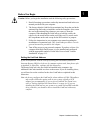
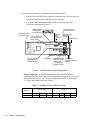
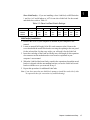
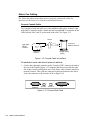
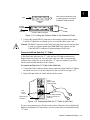
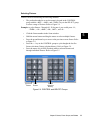
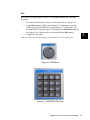
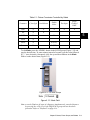
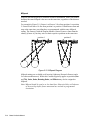
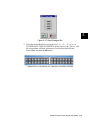
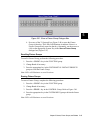
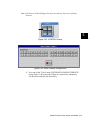
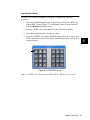
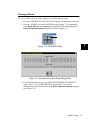
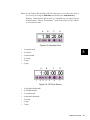
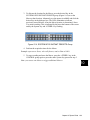
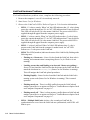
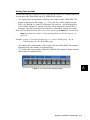
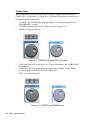
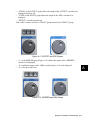
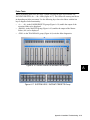
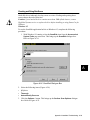
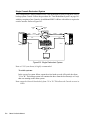
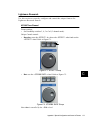
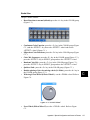
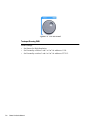
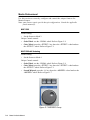
14. In the event of a system failure, rotate the select knob on the A/B switch box from "A"
to "B" for each LinkCard. The backup system will continue the Show from the same
Presets(s) or Cue(s) that were running on the main system.
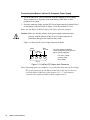
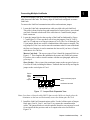
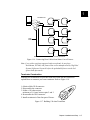
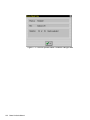
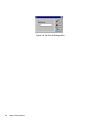
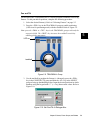
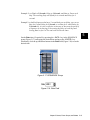
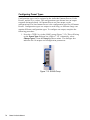
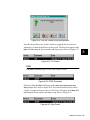
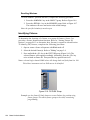
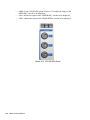
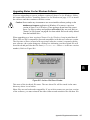
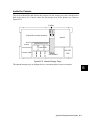
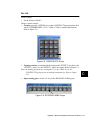
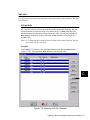
Note: if the monitor is also on a switchbox (Figure B.4), change it from "A" to "B" to view the
backup system.
B
Appendix B Supplemental Information
B-5