1
Vari-Lite
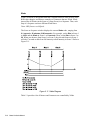
Use this section to correctly configure and control the certain features for VariLite fixtures.
VL5 and VL5a
VL5 and VL5a fixtures do not provide the ability for internal dimming, thus an
external dimmer is required. Status Cue allows the VL5’s Dim Construct to be
patched separately from other fixture Constructs. This is useful for patching all
Dim channels in numeric order or allowing all Dim channels to be placed on a
separate Link.
Note: VL5’s Dim and other channels must be kept on the same LinkCard, but not
necessarily on the same Link.
Example:
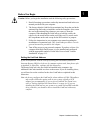
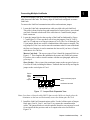
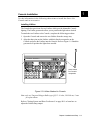
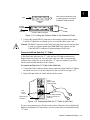
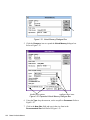
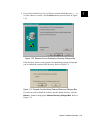
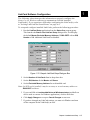
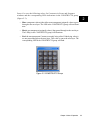
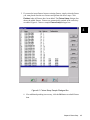
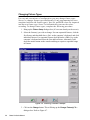
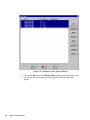
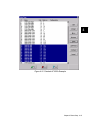
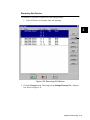
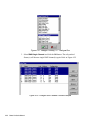
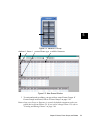
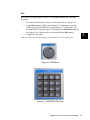
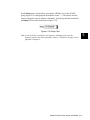
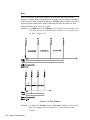
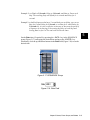
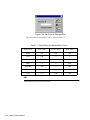
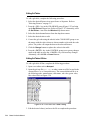
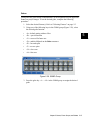
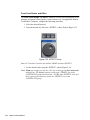
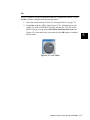
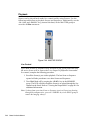
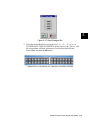
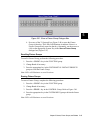
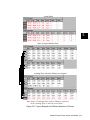
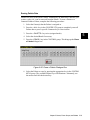
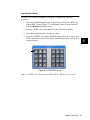
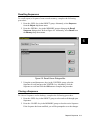
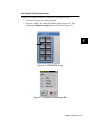
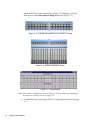
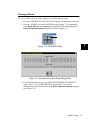
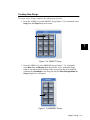
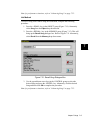
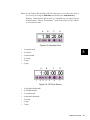
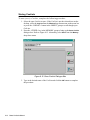
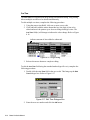
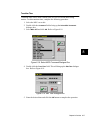
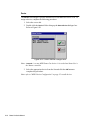
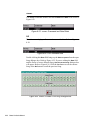
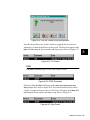
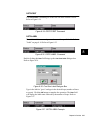
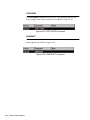
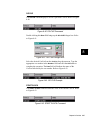
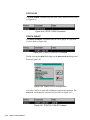
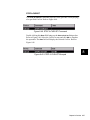
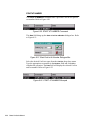
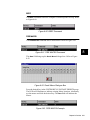
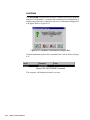
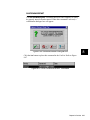
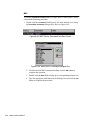
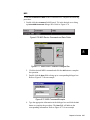
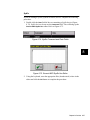
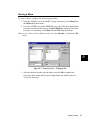
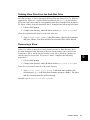
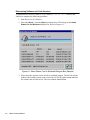
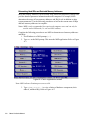
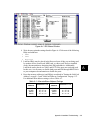
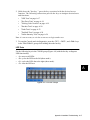
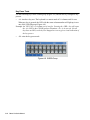
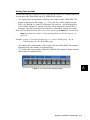
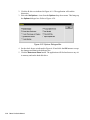
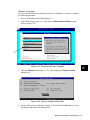
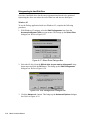
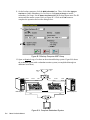
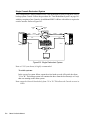
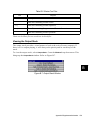
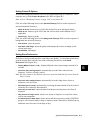
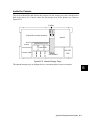
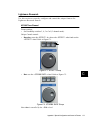
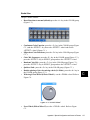
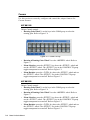
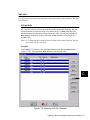
After adding VL5 fixtures, select the Dim channels and click the Patch button
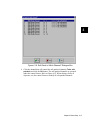
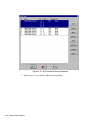
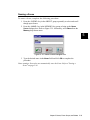
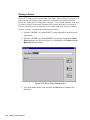
(Figure C.10.). Then patch the Dim channels to the desired Link.
C
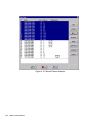
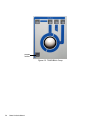
Figure C.10. Selecting VL5 Dim Channels
Appendix C Special Configuration and Control of Fixtures C-17