1
GSM Alarm System Instruction Manual
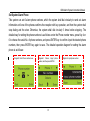
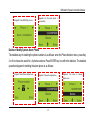
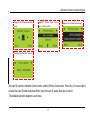
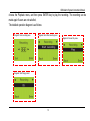
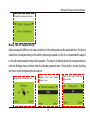
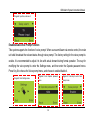
Diagram4: Input time, and save it
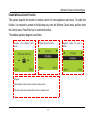
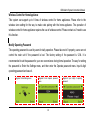
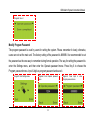
Enable/Disable Voice Prompt Function
This system supports the function of voice prompt. When users arm/disarm via remote control, the main
unit shall broadcast the relevant status through voice prompt. The factory setting for the voice prompt is:
enable. It is recommended to adjust it in line with actual demand during formal operation. The way for
modifying the voice prompt is: enter the Settings menu, and then enter the Operate password menu.
Press Key 6 to choose the Voice prompt menu, and choose to enable/disable it.
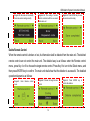
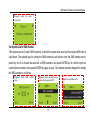
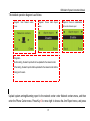
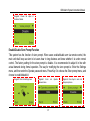
Diagram1: Enter Settings menu
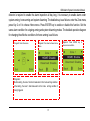
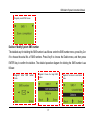
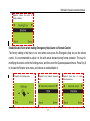
Diagram2: Enter Operate password
menu
44
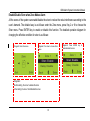
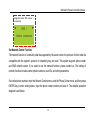
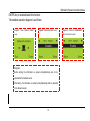
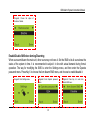
Diagram3: Press Key6 to enter Voice
prompt menu