1
Resources iPDTekla 2.0 Manual
Chapter 1
Working Procedures
1
1.1
Model Setup
Creating the Tekla model
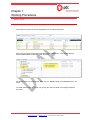
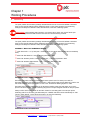
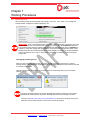
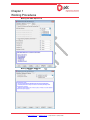
Tekla models for Resources shall be registered first in the JMS model register.
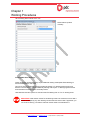
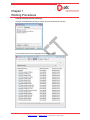
After saving the register, initial Tekla model will then be created under “T:\Job No\900 Working
Documents\902 Native Models\Area” folder as below:
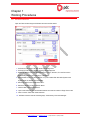
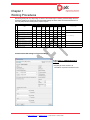
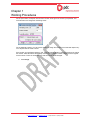
Full Model Names are automatically taken from the MODEL NAME and DESCRIPTION in the
above.
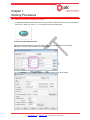
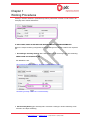
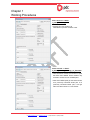
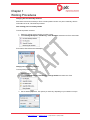
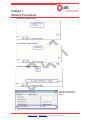
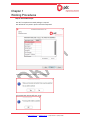
The initial model will then be copied or by syncing thru JMS Tool Suite by the assigned USER of
the model.
Procedure Number: Procedure Template - Number
DOCUMENT IS NOT CONTROLLED IF PRINTED
W: www.pdcgroup.com E: [email protected] P: (632) 634 8960 F: (632) 634 8961