1
5.1.4 Dual/Simultaneous Display
The PCA-6772 uses a VIA Twister VT8606T LCD controller that is
capable of providing simultaneous dual view display of the same content
on a flat panel and CRT.
To set up dual view (simultaneous mode) under Windows 9x, Windows
ME, Windows NT/2000/XP, follow these steps:
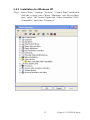
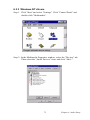
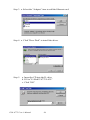
Step 1. Open the Control panel, and select “Display”, “Settings”.
Step 2. Select " CRT+LCD " or " CRT+TV " for dual view
Step 3. Click “OK”.
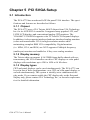
Figure 5.1: Selecting Display Settings
43
Chapter 5 PCI SVGA Setup