1
45
2.
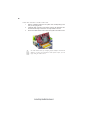
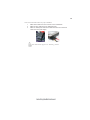
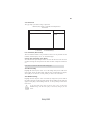
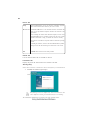
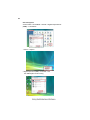
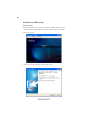
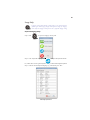
Click Next. The following screen appears:
3.
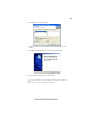
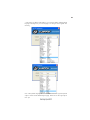
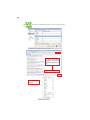
Check the box next to the items you want to install. The default options are recommended.
4.
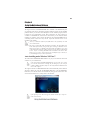
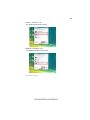
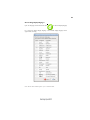
Click Next run the Installation Wizard. An item installation screen appears:
5.
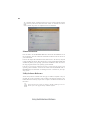
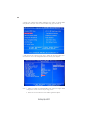
Follow the instructions on the screen to install the items.
Drivers and software are automatically installed in sequence. Follow the
onscreen instructions, confirm commands and allow the computer to
restart a few times to complete the installation.
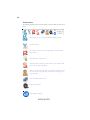
Using the Motherboard Software