1
S
e
t
t
i
n
g
u
p
t
h
e
P
r
o
j
e
c
t
o
r
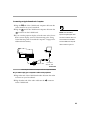
Do you want to control the computer’s mouse from the projector’s
remote or keypad?
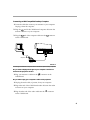
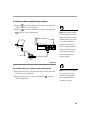
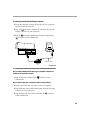
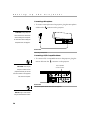
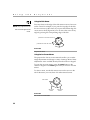
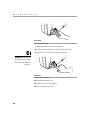
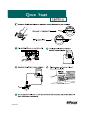
1 Unplug the mouse from your Macintosh or locate an unused
ADB connector.
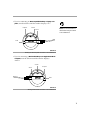
2 Plug the
end of the CableWizard mouse cable into the
mouse connector or the
Macintosh.
(ADB) connector on your
3 Plug the
end of the CableWizard mouse cable into the
connector on the CableWizard.
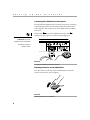
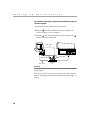
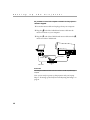
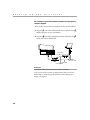
monitor cable
mouse
cable
computer cable
audio cable
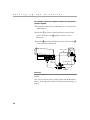
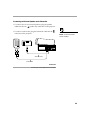
FIGURE 12
Connecting the CableWizard monitor, audio and mouse cables to a Macintosh desktop
computer
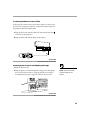
Now you’re ready to power up the projector and the Macintosh.
Skip to “Powering up the Projector and Adjusting the Image” on
page 21.
14