1
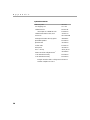
TABLE OF CONTENTS
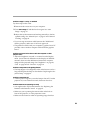
Safety Summary
Introduction
Image Resolution
Compatibility
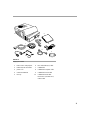
Unpacking the Projector
Usage Guidelines
If You Need Assistance
Warranty
iii
1
1
2
2
4
4
4
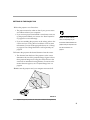
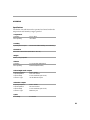
Setting up the Projector
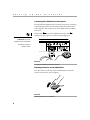
Connecting the CableWizard to the Projector
Selecting Connectors on the CableWizard
Preparing to Connect Your Equipment to the Projector
Connecting an IBM-Compatible Desktop Computer
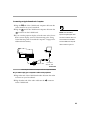
Connecting an IBM-Compatible Laptop Computer
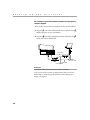
Connecting a Macintosh Desktop Computer
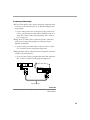
Connecting an Apple PowerBook Computer
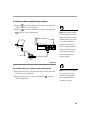
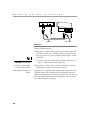
Connecting a Video Player
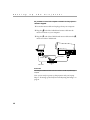
Connecting an External Speaker and a Subwoofer
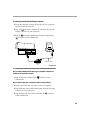
Connecting a Microphone
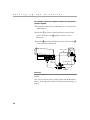
Connecting a PS/2-Compatible Mouse.
Connecting the Remote Control Cable
Powering up the Projector and Adjusting the Image
Turning Off the Projector
5
6
6
8
9
11
13
15
17
19
20
20
21
21
23
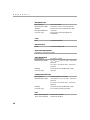
Using the Projector
Basic Image Adjustment
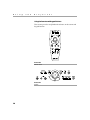
Using the Remote Control
Adjusting the Projector
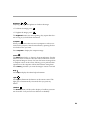
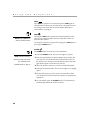
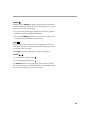
Using the Remote and Keypad Buttons
Using the Disk Mouse
Using the On-Screen Menus
Display Menu Functions
Audio Menu Functions
Image Menu Functions
Controls Menu Functions
25
25
25
26
28
32
32
33
35
37
39
i