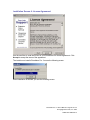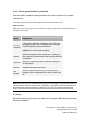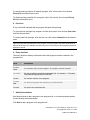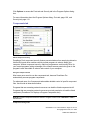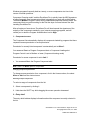
1
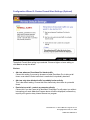
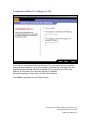
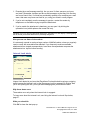
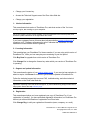
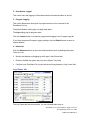
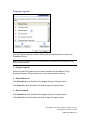
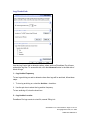
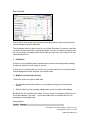
2 – Alert Events Logged
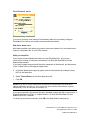
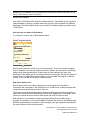
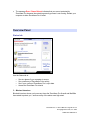
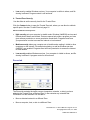
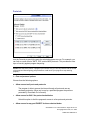
This control turns the logging of informational alerts informational alerts on and off.
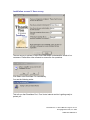
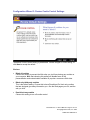
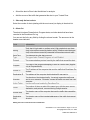
3 – Program Logging
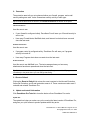
This control determines what types of program alerts are to be recorded in the
ZoneAlarm Pro log.
The default Medium setting logs only high-rated alerts.
The high setting logs all program alerts.
Click the Custom button to customize program alert logging in the Program Logs tab.
If you have customized Program Logging settings, click the Default button to return to
system defaults.
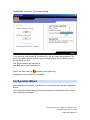
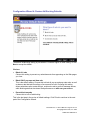
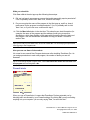
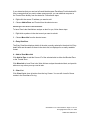
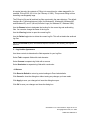
4 – Advanced
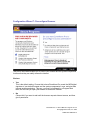
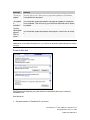
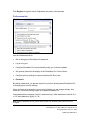
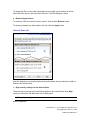
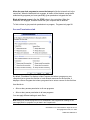
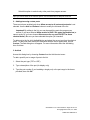
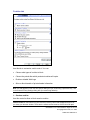
Click the Advanced button to open the Advanced Alerts and Log Settings dialog box.
There you can:
•
Specify alert display and logging by traffic type ( Alert Events tab)
•
Enable or disable the system tray icon alert (System Tray Alert)
•
Configure your ZoneAlarm Pro log and set the archiving frequency (Log Control tab)
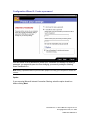
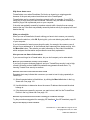
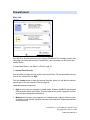
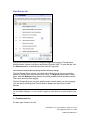
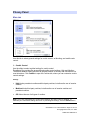
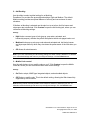
Log Viewer tab
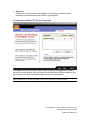
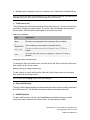
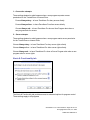
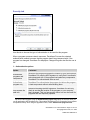
The Log Viewer tab lists recent alerts. You can use each alert entry to:
ZoneAlarm Pro 3.1 User’s Manual—Page 112 of 145
© Copyright Zone Labs, Inc. 2002
1-0003-0301-2002-08-15