1
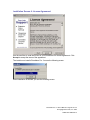
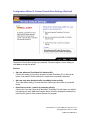
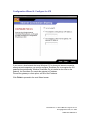
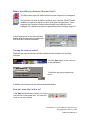
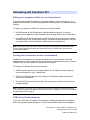
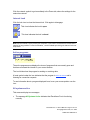
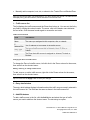
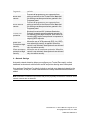
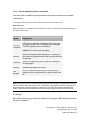
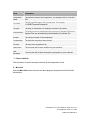
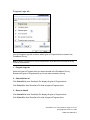
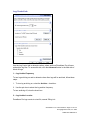
Allow the pass-lock programs to access the Internet is like the Internet Lock in the
control bar. When the automatic lock engages, all traffic will be blocked, except traffic
authorized by programs you have specifically given permission to bypass the lock.
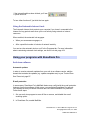
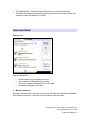
Block all Internet access is like the STOP button in the control bar. When the
automatic lock engages, all traffic to and from your computer will be blocked.
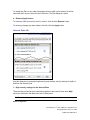
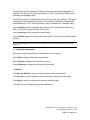
To find out how to give pass-lock permission to a program, Programs tab, page 98.
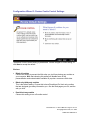
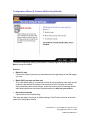
Access Permissions tab
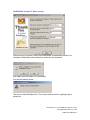
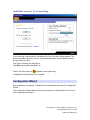
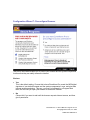
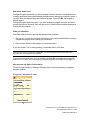
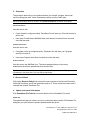
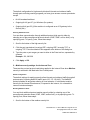
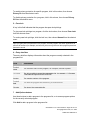
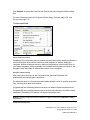
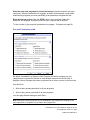
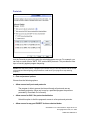
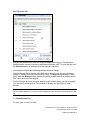
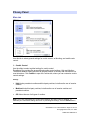
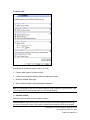
By default, ZoneAlarm Pro displays a New Program alert when a program on your
computer tries to access the Internet or local network resources for the first time. It
displays a Server Program alert when a program tries to act as a server for the first time.
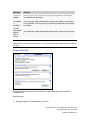
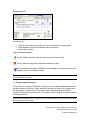
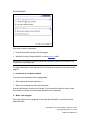
Use this tab to:
•
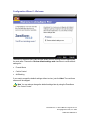
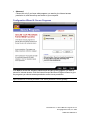
Allow or deny access permission to all new programs
•
Allow or deny server permission to all new programs.
You can apply different settings to each Zone.
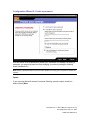
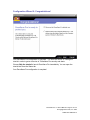
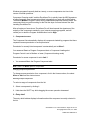
Note Settings for individual programs can be established in the Programs tab. Settings in this
panel apply ONLY to programs not yet listed in the Programs tab.
ZoneAlarm Pro 3.1 User’s Manual—Page 105 of 145
© Copyright Zone Labs, Inc. 2002
1-0003-0301-2002-08-15