1
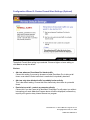
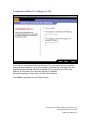
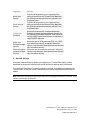
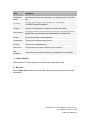
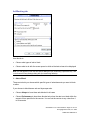
To greatly reduce the number of alerts, lower the authentication level to medium for the
first few days after installing ZoneAlarm Pro
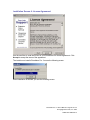
If you're not sure what to do, or if you decide to answer No, investigate the component to
determine if it is safe. See Investigating changed programs and components, page 56.
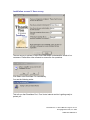
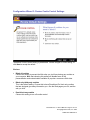
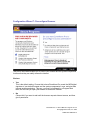
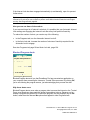
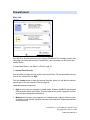
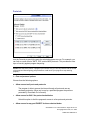
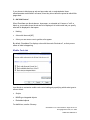
MailSafe alert
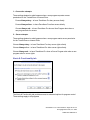
MailSafe alerts let you know that ZoneAlarm Pro has quarantined a potentially
dangerous attachment to an incoming e-mail message. By clicking Yes, you're not letting
anything into your computer.
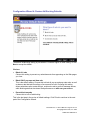
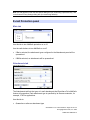
Why these alerts occur
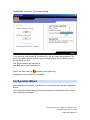
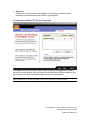
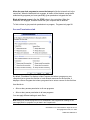
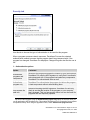
MailSafe alerts occur when you open an e-mail that has an attachment whose filename
extension is on the list of extensions to be quarantined in the MailSafe panel. The alert
informs you that ZoneAlarm Pro has changed the extension to prevent the attachment
from being opened without warning.
About e-mail borne viruses and worms
E-mail messages are the most common way Internet viruses and worms are spread.
Some worms can raid your e-mail address book and forward themselves to everyone in
it. When your friends see the message, they'll think it came from you, and open it--thus
repeating the cycle.
For best security, you should never open an e-mail attachment that ZoneAlarm Pro has
quarantined without first confirming the following three things:
•
That it actually came from someone you know and trust
•
That that person sent it intentionally
•
That that person is sure that the attachment is harmless
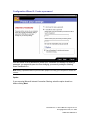
What you should do
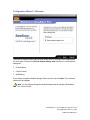
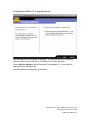
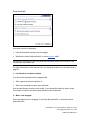
Click OK to close the alert box, then follow the steps below to ensure your security.
ZoneAlarm Pro 3.1 User’s Manual—Page 53 of 145
© Copyright Zone Labs, Inc. 2002
1-0003-0301-2002-08-15