1
Table of contents
1.
INTRODUCTION
5
1.1
What is Centralised Reporting?
5
1.2
What data is available?
5
1.3
Who can access the data?
5
2.
ACCESSING THE SYSTEM
6
2.1
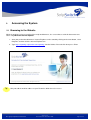
Browsing to the Website
6
2.2
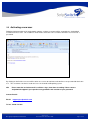
Activating a new user
7
2.3
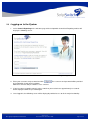
Logging on to the System
8
2.4
Forgot your User-name or Password
10
2.5 Generating a Report
2.5.1 Step 1 – Select the Report Format and Style
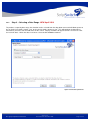
2.5.2 Step 3 – Selecting a Date Range NEW April 2009
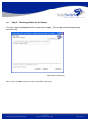
2.5.3 Step 4 – Choosing a Name for the Report
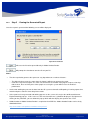
2.5.4 Step 5 - Viewing the Generated Report
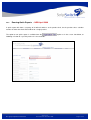
2.5.5 Running Quick Reports - NEW April 2009
13
14
18
19
20
21
3.
22
DEFINITION OF REPORTS
3.1 Standard Reports
3.1.1 Switch Detail Report
3.1.2 Information Message
3.1.3 Summary Report
22
22
23
25
3.2 Data Export Reports
3.2.1 Summary
26
26
© Copyright ScriptSwitch Limited 2009
Version 7.0
Final for Release December 2009
Page 3 of 26