1
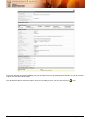
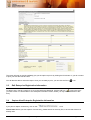
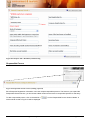
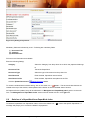
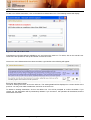
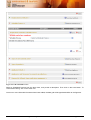
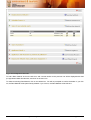
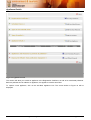
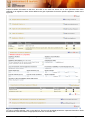
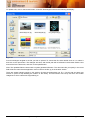
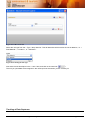
The report will open up and immediately give you the option to print it by clicking the Print button. If you do not want
to print, just click the Cancel button.
You will then be able to review the report. Once you are ready to print, you can click the Print <
3.3.
> icon.
Edit Enterprise Registration Information
> next to the entry
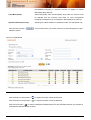
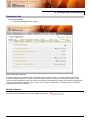
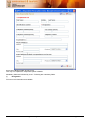
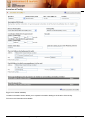
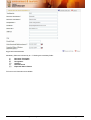
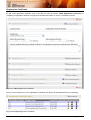
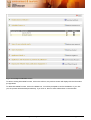
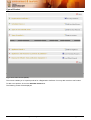
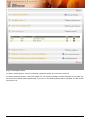
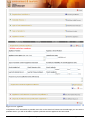
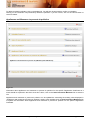
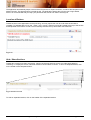
To edit an entry, first do a search for it. Once the results are displayed, click the edit icon <
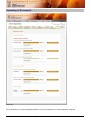
you wish to edit. You will be taken to the enterprise information screen, where you may make alterations to the
entry.
3.4
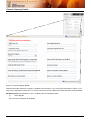
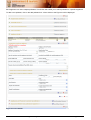
Capture New Enterprise Registration Information
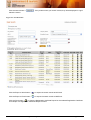
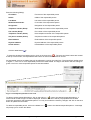
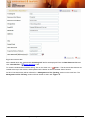
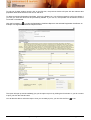
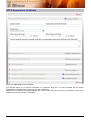
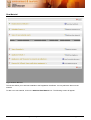
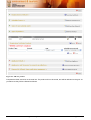
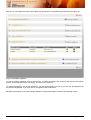
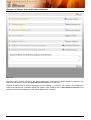
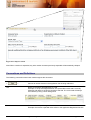
If you plan to capture a new entry, click on the <
> link.
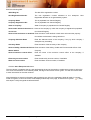
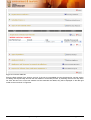
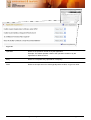
Please Note: Before you start capture of a new entry, please search for the entry first, to ensure that it does not
already exist.
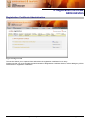
User Manual – APPA Certificate Registration System
Page 10 of 64