1
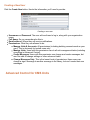
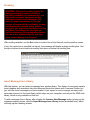
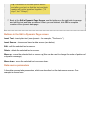
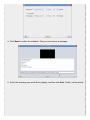
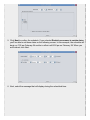
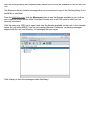
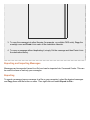
Click the Delete button to confirm the deletion.
Creating a new message
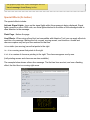
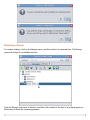
To create a new message, click the New button (green plus sign). Then follow the directions in
Creating and Editing Messages.
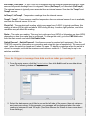
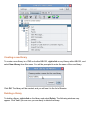
Changing a message that already exists
To change or edit a message, click the Edit button (pencil, scissors, and glue). Then follow the
directions in Creating and Editing Messages.
Creating and Editing Messages
Creating messages
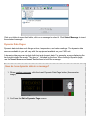
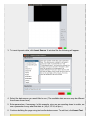
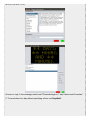
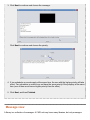
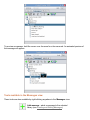
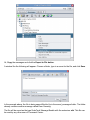
To create a new message, click the new message button (green plus sign). The following window
will appear:
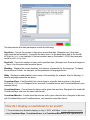
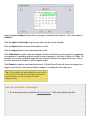
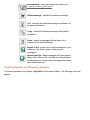
Message Creation/Editing Tools