1
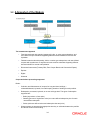
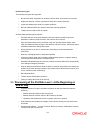
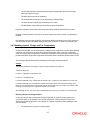
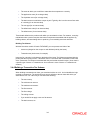
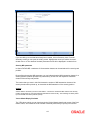
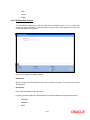
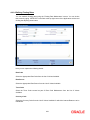
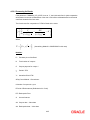
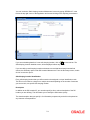
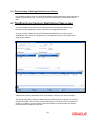
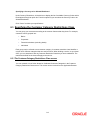
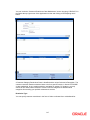
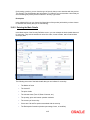
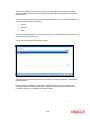
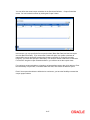
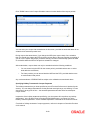
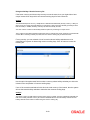
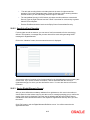
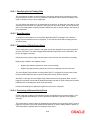
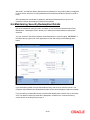
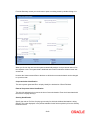
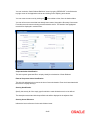
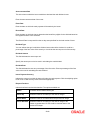
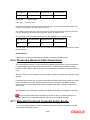
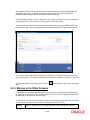
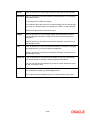
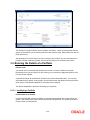
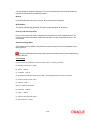
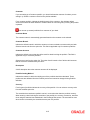
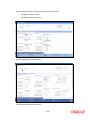
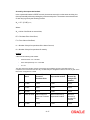
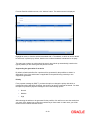
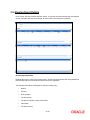
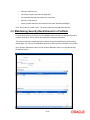
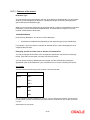
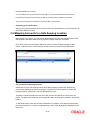
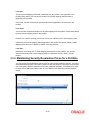
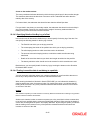
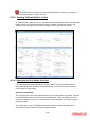
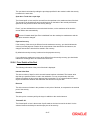
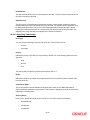
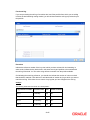
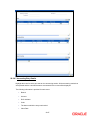
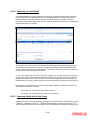
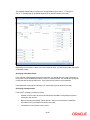
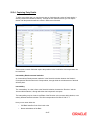
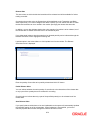
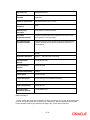
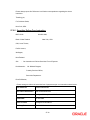
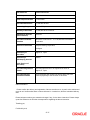
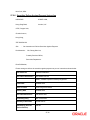
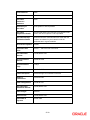
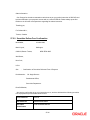
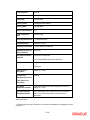
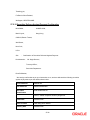
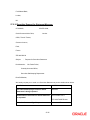
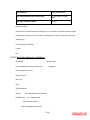
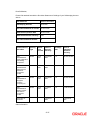
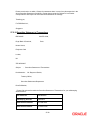
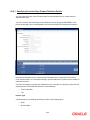
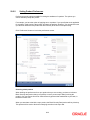
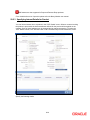
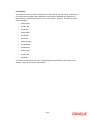
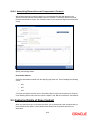
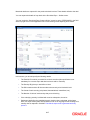
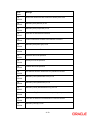
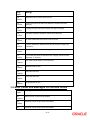
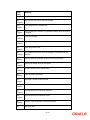
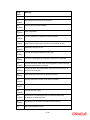
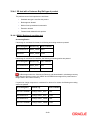
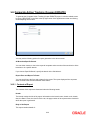
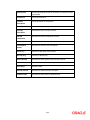
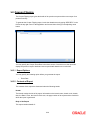
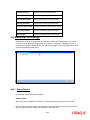
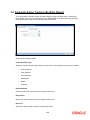
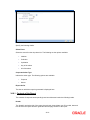
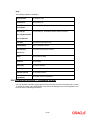
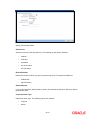
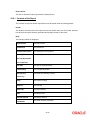
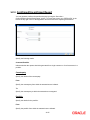
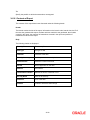
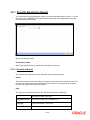
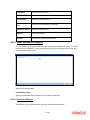
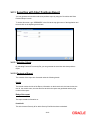
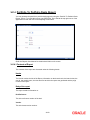
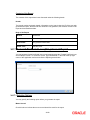
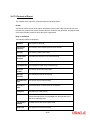
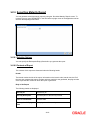
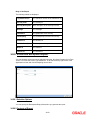
The method in which the deal is to be settled -- whether it is an instrument or a Message (as in a SWIFT or TELEX message) and Details about the rout through which the money settlement should take place The information that is related to the settlement method and route applicable for a transfer is referred to as “Settlement Instructions”. 22.5.1 Capturing Settlement Instructions The Settlement Instructions are captured through four different screens. Click ‘Settlements’ button on the Deal Input screen, to invoke the Settlement Instructions screen. Through the four screens you can capture the following information: Account details (details about the accounts involved in the deal that have to be either debited or credited in your branch) Message details Party details (details about the various parties involved in the deal) Fund Asset Management The settlements processing is enabled only if ‘Allow Corporate Access’ has been checked while defining branch parameters in the Branch Parameters – Detail View screen. If ‘Allow Corporate Access’ is checked for a fund branch and the fund is Portfolio type, then during settlement processing, the settlement account is chosen based on the settlement instructions maintained for the counterparty. If ‘Allow Corporate Access’ is not checked for a fund branch, then the settlement processing is disabled and the settlement account remains as a fund branch account maintained for the fund. If the corporate account exists in different branch then the Inter branch account/GL maintenance is used for resolving the bridge account. 22-34