1
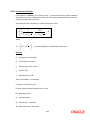
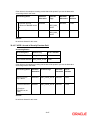
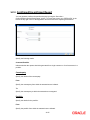
4.7.2 Indicating Stop Association
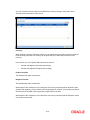
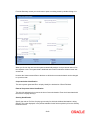
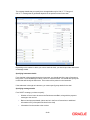
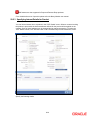
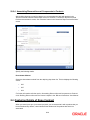
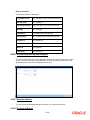
The tax components linked to a tax scheme will be automatically applied to all deals involving the
security associated with the particular market code. However if you want to stop applying one or
more of these components to new contracts that are initiated, you can do so by checking the Stop
Association field.
Stopping the application, of a tax component for a market code would be equivalent to deleting
the component for all deals involving the security. However you have the option of using the
definition made for the component, once again. To do so, uncheck this field. Deals that are
subsequently input, will pick up the components.
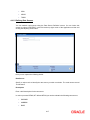
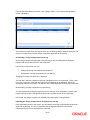
Entry to certain fields in the Market Definition screen is mandatory. If you try to save the
record without inputs to all these fields, the record will not be saved. You will be prompted to give
all the mandatory inputs before attempting to save it again.
4-39