1
CARAD User Manual
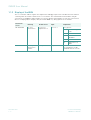
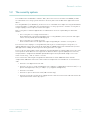
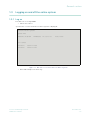
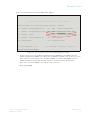
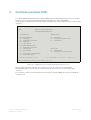
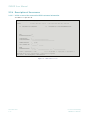
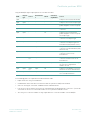
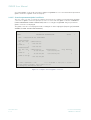
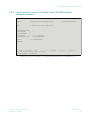
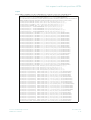
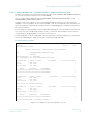
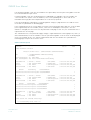
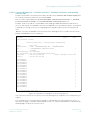
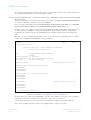
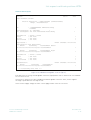
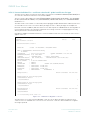
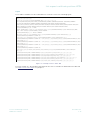
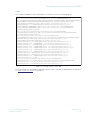
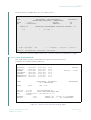
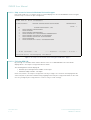
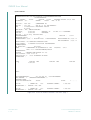
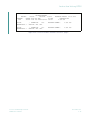
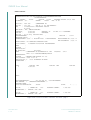
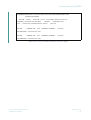
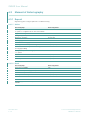
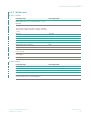
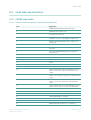
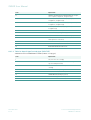
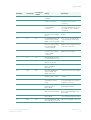
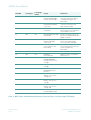
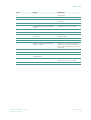
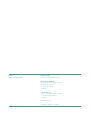
4.2.1.2 Help screen for internal withdrawal instruction types
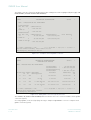
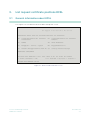
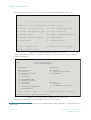
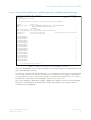
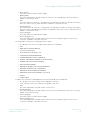
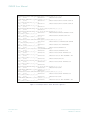
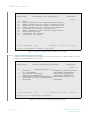
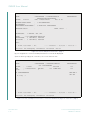
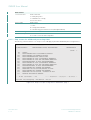
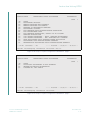
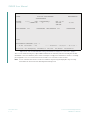
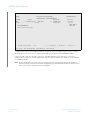
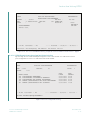
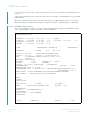
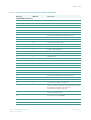
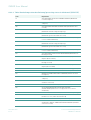
PF2 can be used to access another help screen that displays the internal withdrawal instruction types
from the help screen for the processing status.
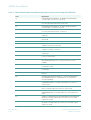
TRAN: KPHI FC: HA SB: ##I#######1#
KONTROLLSTELLE
INTERNE AUFTRAGSARTEN AUSLIEFERUNG
WERTEBEREICH
SEITE
KZ
1
2
3
4
5
6
7
8
1
INTERNE AUFTRAGSART (IAA)
AUSLIEFERUNG EINZELURKUNDE
REVALUTIERUNG
AUSLIEFERUNG RAHMENURKUNDE
REVALUTIERUNG MIT AUSLIEFERUNG RAHMENURKUNDE
AUSLIEFERUNG STUECKELOSE GLOBALURKUNDE
AUSLIEFERUNG TECHNISCHE GLOBALURKUNDE
TEILREDUZIERUNG
REVALUTIERUNG MIT AUTOM. BUCHUNGSFREIGABE
-- ID-KZ: 7907232003 -- PW:
PF2:Bearb-Status
PF3:Rücksprung
------ B7907494 -- 17/11/09 -- 13:06:41 -PF4:Abbruch
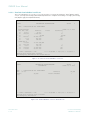
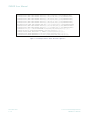
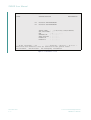
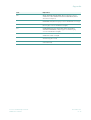
Figure 4.17: Help screen internal instruction types withdrawal - page 3
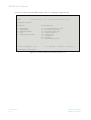
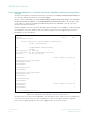
4.2.1.3 Full view KPHI HA
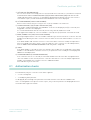
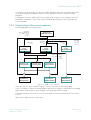
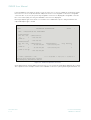
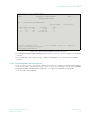
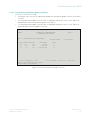
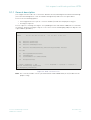
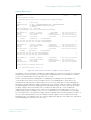
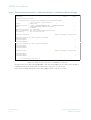
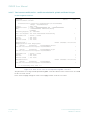
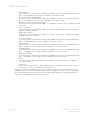
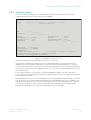
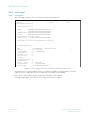
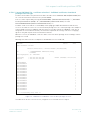
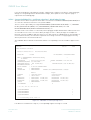
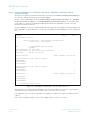
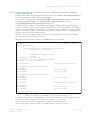
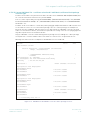
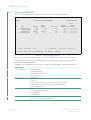
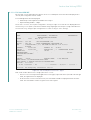
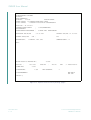
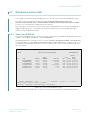
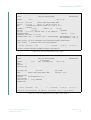
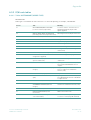
By entering "I" in the KZ field the further details of the selected withdrawal instruction will be
displayed. The current processing status will be shown.
The following details will be displayed:
•
Nominal Up-to and organisation number on the Page 1
•
withdrawal ledger number - nine digits
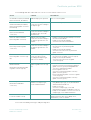
On the full view the current processing status can vary in single cases from the one displayed on the
short view (that is, based on simultaneously ongoing instruction processing or based on the fact that
not every change of processing statuses results in entry in "new" history).
November 2011
4 - 14
Clearstream Banking Frankfurt
CARAD User Manual