1
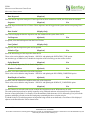
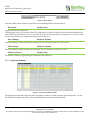
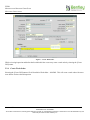
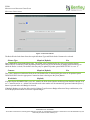
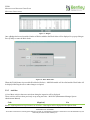
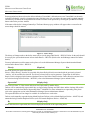
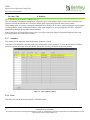
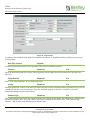
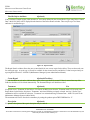
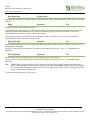
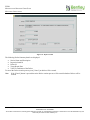
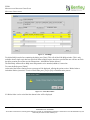
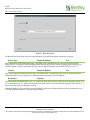
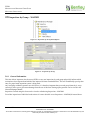
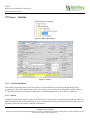
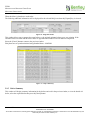
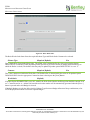
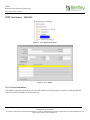
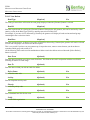
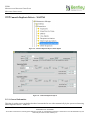
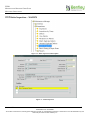
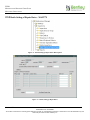
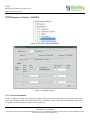
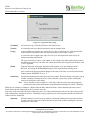
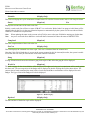
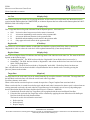
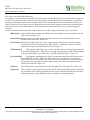
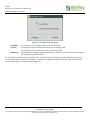
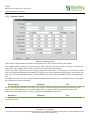
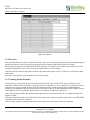
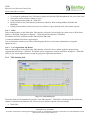
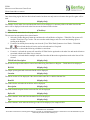
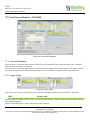
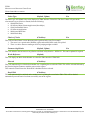
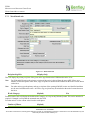
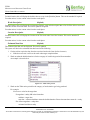
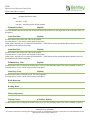
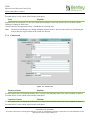
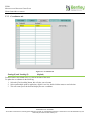
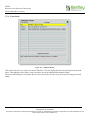
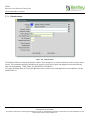
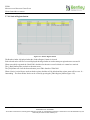
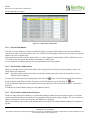
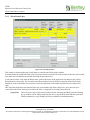
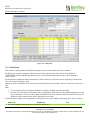
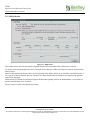
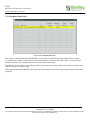
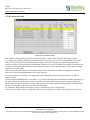
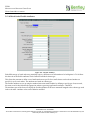
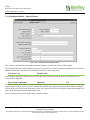
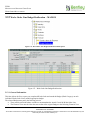
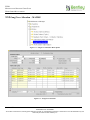
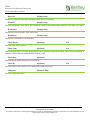
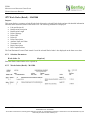
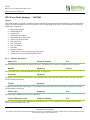
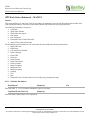
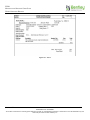
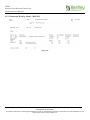
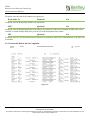
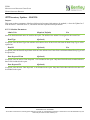
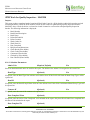
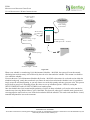
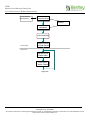
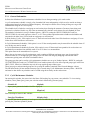
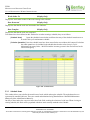
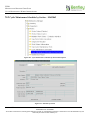
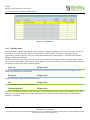
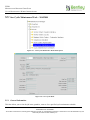
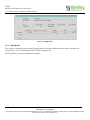
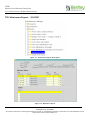
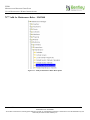
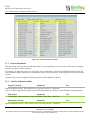
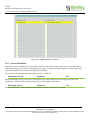
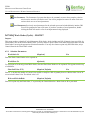
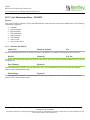
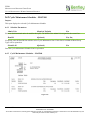
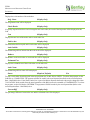
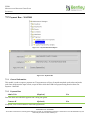
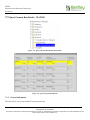
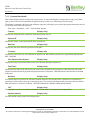
EXOR MAINTENANCE MANAGER USER GUIDE MANAGING INSPECTIONS This form is provided to allow the responses to defect notifications to be registered as they are received from notifiable organisations 2.15.2 Notice Notifiable defect notices are produced automatically in response to the Notify field being completed in Inspections – MAI3808. Before the notice can be retrieved it has to be printed using Print Defect Notices – MAI3904. Enter suitable criteria to restrict the display of notices to those with which you are concerned, then press [Execute Query] to retrieve those notices. The following fields are query only and can be used to retrieve notice details: Notifiable Org Notice Id Date Printed Respond By Admin Unit 2.15.3 Defects All the defects associated with the selected notice will be displayed. When a response is received from the notifiable organisation, enter the Response Type, Date of Response, and the Accepted fields to record the contents of the reply. Selecting the Defects button will display the defects using Defects- MAI3806. Defect Id (Display Only) The number of the defect. This number is allocated when the defect is first logged and cannot be changed. It serves to uniquely identify the defect. Defect Type (Display Only) The code and description representing the standard defect type relating to this defect. This will have originally been decided by the inspector. Date Raised (Display Only) The date the defect was originally recorded. Road Section Id (Display Only) The road section number of the section in which the defect was found. Resp Type (Optional) List Select a code representing the response of the notifiable organisation to the notice. These values can be added to using Domains – HIG9120 and updating the RESPONSE_TYPES option. Response Date (Required) Enter the date the response was received. For an Acceptance, this will default to today’s date. Version: 4.7 73 CONFIDENTIALITY STATEMENT The contents of this document, including system ideas and concepts, are confidential and proprietary in nature and are not to be distributed in any form without the prior written consent of Bentley, Inc.