1
Utilities
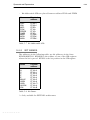
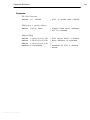
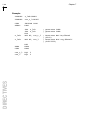
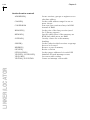
−cc
−cs
−c
−cl
−cf
−cm
−cp
10−11
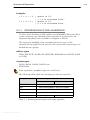
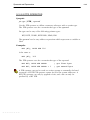
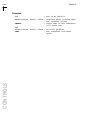
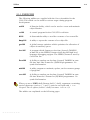
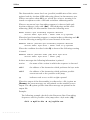
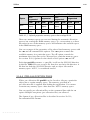
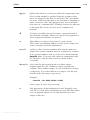
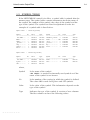
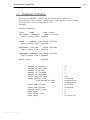
Normally the control program invokes all stages to build an
absolute file from the given input files. With these options it
is possible to stop after one of the stages or to skip the linker
stage.
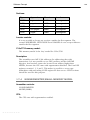
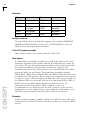
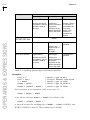
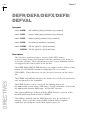
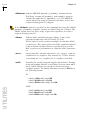
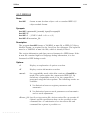
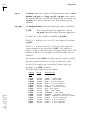
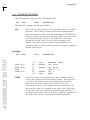
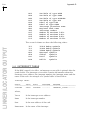
With the −cc option the control program stops after
compilation of the C++ files and retains the resulting .c files.
With the −cs option the control program stops after the C
compiler or macro preprocessor, with as output file the
assembly source file (.src).
With −c option the control program stops after the assembler,
with as output an object file (.obj).
With the −cl option the control program stops after the link
stage, with as output a linker object file (.lno).
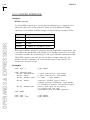
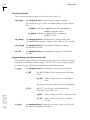
The −cf option specifies that the Flat Interrupt Concept is
followed. The link stage is skipped and all objects are input
for the locator. The public scope level of all objects is
promoted to global and the default libraries are supplied to
the locator.
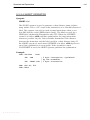
With the −cm option the control program always also
invokes the C++ muncher.
With the −cp option the control program always also invokes
the C++ pre−linker.
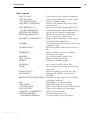
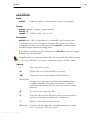
−cprep
Use the C preprocessor instead of m166 on files with a .asm
suffix.
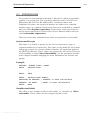
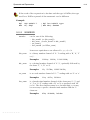
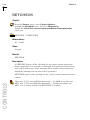
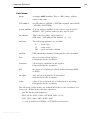
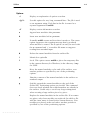
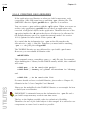
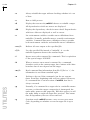
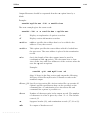
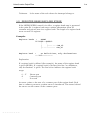
−f file
Read command line arguments from file. The filename "−"
may be used to denote standard input. To get around the
limits on the size of the command line, it is possible to use
command files. These command files contain the options that
could not be part of the real command line. Command files
can also be generated on the fly, for example by the make
utility.
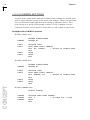
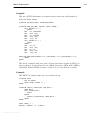
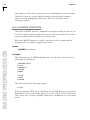
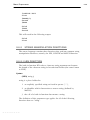
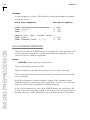
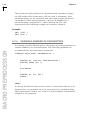
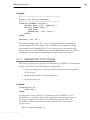
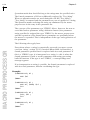
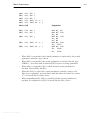
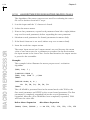
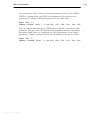
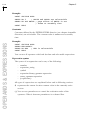
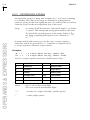
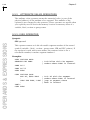
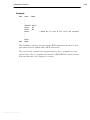
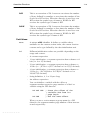
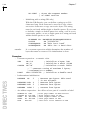
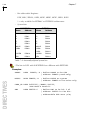
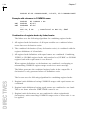
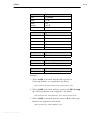
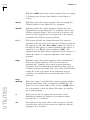
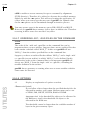
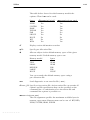
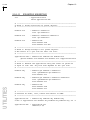
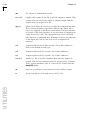
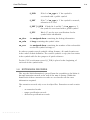
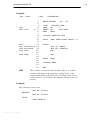
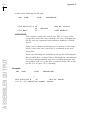
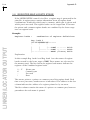
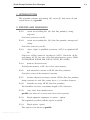
Some simple rules apply to the format of the command file:
1. It is possible to have multiple arguments on the same line
in the command file.
• • • • • • • •






























































![[U4.43.03] Opérateur AFFE_MATERIAU](http://vs1.manualzilla.com/store/data/006352709_1-66280dcdd9d7ac1974f95651fec4b070-150x150.png)