1
SINUS PENTA
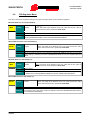
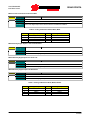
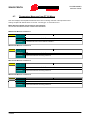
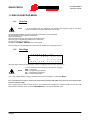
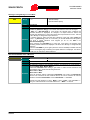
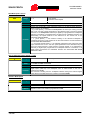
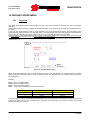
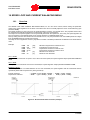
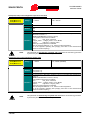
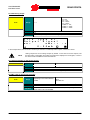
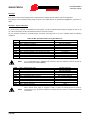
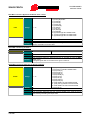
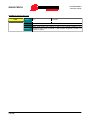
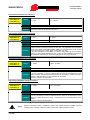
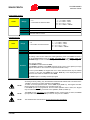
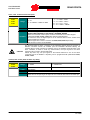
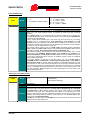
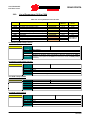
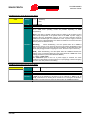
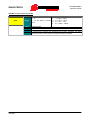
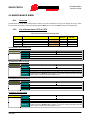
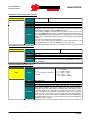
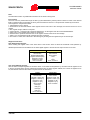
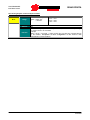
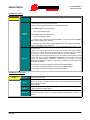
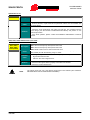
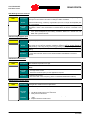
6) Encoder TEST:
PROGRAMMING
INSTRUCTIONS
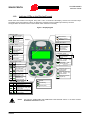
The motor must run when testing the encoder.
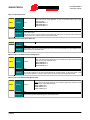
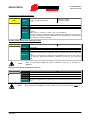
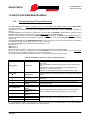
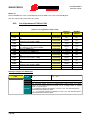
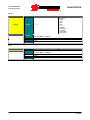
Access the ENCODER/FREQUENCY INPUTS MENU; set the source of the encoder signal
used as a speed feedback (Encoder A in terminal board, Encoder B from ES836 or ES913
option board); enter the number of pulse/rev and the number of the encoder channels (more
details are given in the relevant section in the Installation Instructions Manual).
In MOTOR CONTROL MENU, set the parameter relating to the speed feedback from encoder:
C012 = Yes.
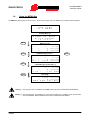
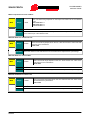
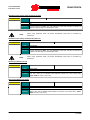
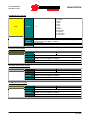
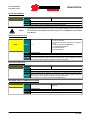
Access the AUTOTUNE MENU and set parameter I073 (Select Autotune Type) as “Encoder
Tune”. Use the ESC key to confirm changes. Close the ENABLE command and wait until
encoder tune is complete (“W32 Open Enable” is displayed).
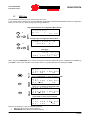
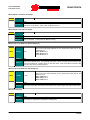
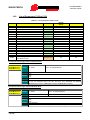
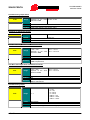
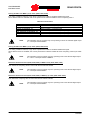
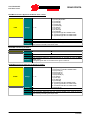
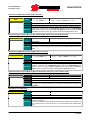
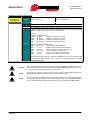
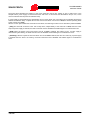
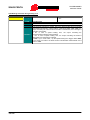
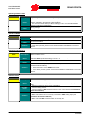
Once encoder tune is complete, the display will show one of the following messages:
“W31 Encoder Ok”; the speed feedback is correct. If the speed detected by the encoder is
opposite to the desired speed, the drive will automatically reverse the feedback sign (parameter
C199).
“A059 Encoder Fault”; the speed detected from the encoder is not consistent with the control
speed. Possible causes:
- Wrong number of pls/rev of the encoder
- Wrong power supply of the Encoder (e.g. +5V instead of +24V): check the encoder ratings and
the position of jumpers and dip-switches for the encoder supply in the optional encoder board
- Wrong configuration of the dip-switches for the encoder selection (push-pull or line-driver
encoder) in the optional encoder board
- No connection to the encoder channel (check wiring)
- At least one Encoder channel is faulty (replace the encoder).
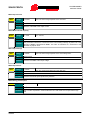
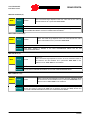
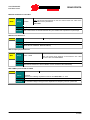
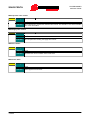
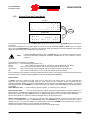
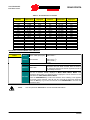
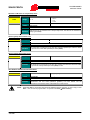
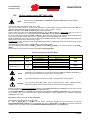
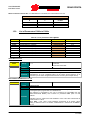
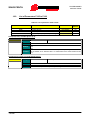
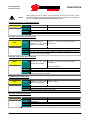
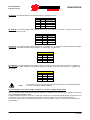
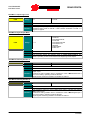
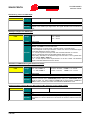
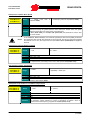
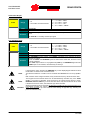
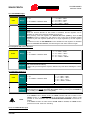
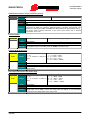
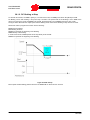
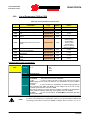
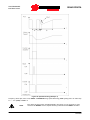
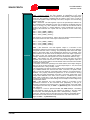
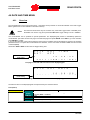
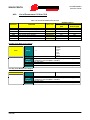
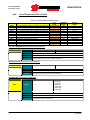
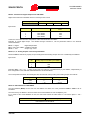
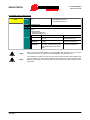
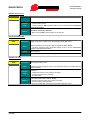
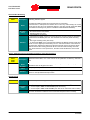
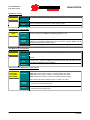
7) Autotune of the First remove the ENABLE command, then access the MOTOR CONTROL MENU and set I073
stator resistance and (1: Motor Tune) and I074 = (0: All Ctrl no rotation) . Use the ESC key to accept changes. Close
leakage inductance:
the ENABLE command and wait until autotune is complete (warning “W32 Open Enable” is
displayed). The drive has computed and saved the values for C022 and C023. If alarm “A097
Motor wires KO“ trips, check the motor wiring. If alarm “A065 Autotune KO” trips, this means
that the ENABLE command has opened before autotune was completed. In this case, reset
the drive sending a command from terminal MDI3, or press the RESET key in the
display/keypad and perform the autotune procedure again.
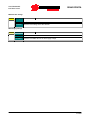
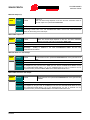
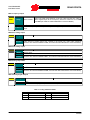
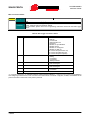
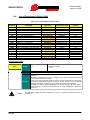
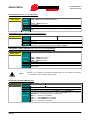
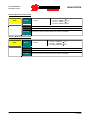
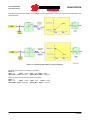
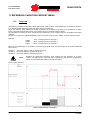
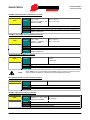
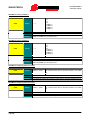
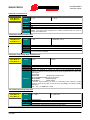
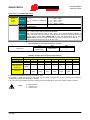
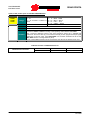
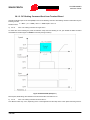
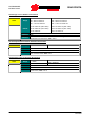
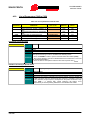
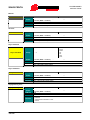
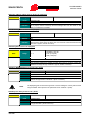
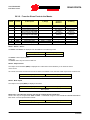
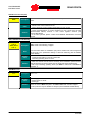
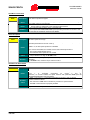
8) Autotune of the First remove the ENABLE command, , then access the AUTOTUNE MENU and set I073 (1:
current loop:
Motor Tune) and I074 = (1: FOC Auto no rotation). Use the ESC key to accept changes. Close
the ENABLE command and wait until autotune is complete (warning “W32 Open Enable” is
displayed). The drive has computed and saved the values for P155 and P156. If alarm “A065
Autotune KO” trips, this means that the ENABLE command has opened before autotune was
completed or that the autotune algorithm failed. In this case, reset the drive sending a
command from terminal MDI3, or press the RESET key in the display/keypad and perform the
autotune procedure again.
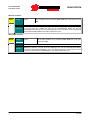
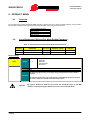
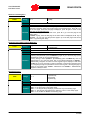
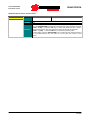
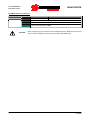
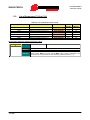
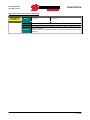
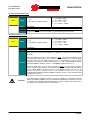
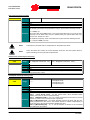
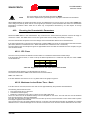
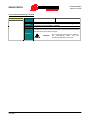
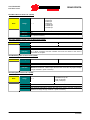
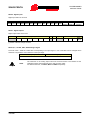
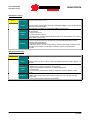
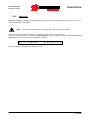
NOTE
48/456
If the ENABLE command was not opened before autotune was over, decrease by 5% the noload current value set in C021 and perform autotune again.