1
CalPlus Calibration and Bump Station
General Operation
Introduction
The CalPlus is a stand-alone calibration station designed to work in conjunction
with the GasBadge Plus Personal Single Gas Monitor. The calibration station
performs bump test and calibrations of the instrument. The station saves the test
results and can send them to an external serial printer (via RS-232 connection), an
internal printer (optional), or to a PC via a USB interface.
Calibration and Bump Station Hardware
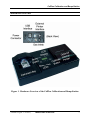
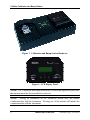
The calibration station’s interface with the user is comprised of:
•
•
•
•
character LCD display
two pushbuttons
three LEDs
physical connection point for the instrument.
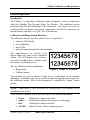
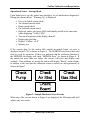
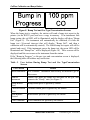
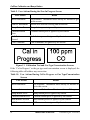
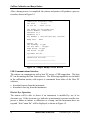
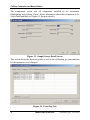
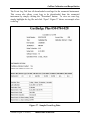
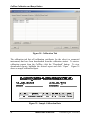
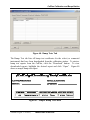
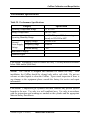
The eight-character by two-line LCD
display shows the status of the calibration
station. The LCD display has a softwarecontrolled backlight that is enabled when
the station is performing a task.
The two calibration station pushbuttons:
• Bump button
• Calibrate button.
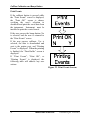
Figure 2. Sample LCD Display
These buttons are used to initiate a bump test or a calibration on the installed
instrument. In addition, they can be used to navigate through the setup screens for
the calibration station. Most of the navigation is controlled by “simple” button
pushes.
NOTE: Setup mode is only accessible by holding both of the buttons for an
extended period of time.
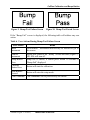
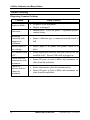
Three software-controller LEDs show the status of the installed instrument:
•
•
•
•
Green
Amber
Red
No LED
Calibration or bump test passed
Calibration or bump test in progress (or charging)
Calibration or bump test failed
Station “Ready” with no buttons pressed.
Version 0.8 (p/n: 17122565)
INDUSTRIAL SCIENTIFIC
5