1
CalPlus Calibration and Bump Station
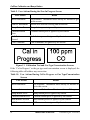
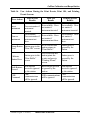
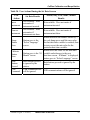
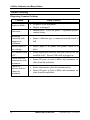
Table 2. User Actions During Hardware Errors
User Action
Result
Insert Instrument No change. Instrument in station not checked at this time.
Remove
Instrument
No change. Instrument not in station is not checked at this
time.
Bump Button
Press
No change. Station is in error, cannot perform bump test.
Calibrate Button
Press
No change. Station is in error, cannot perform calibration.
Both Buttons
Pressed
Station will go to the setup screens.
USB Command
USB communications will be accepted and processed, but a
bump or calibrate command will not be performed by the
station.
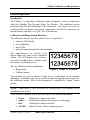
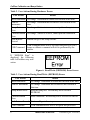
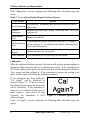
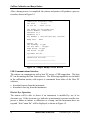
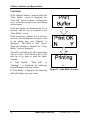
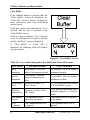
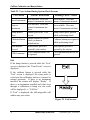
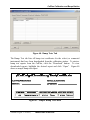
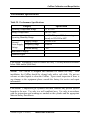
If “EEPROM Error” is
displayed, the following
table will address any user
action.
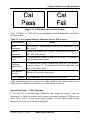
Figure 6. Read/Write (EEPROM) Error Screen
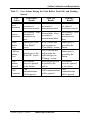
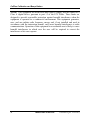
Table 3. User Actions During Read/Write (EEPROM) Errors
User Action
Result
Insert Instrument
No change. Instrument in station not checked at this time.
Remove Instrument
No change. Instrument not in station is not checked at
this time.
Bump Button Press
Start the bump test. Record may not be saved to
EEPROM.
Calibrate Button
Press
Start calibration. Record may not be saved to EEPROM.
Both Buttons Pressed
Station will go to the setup screens.
USB Command
USB communications will be accepted and processed.
8
INDUSTRIAL SCIENTIFIC
Version 0.8 (p/n: 17122565)