1
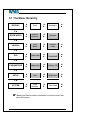
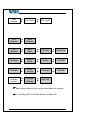
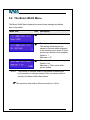
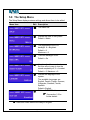
5.9 The System Menu
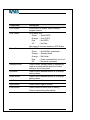
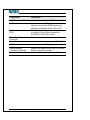
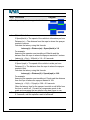
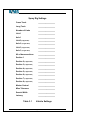
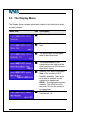
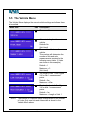
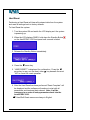
The System Menu displays various system settings.
Menu Item
Edit Description
⌧
The menu title.
⌧
The system serial number.
⌧
Displays the total area covered
by the system in its life time. This
value will increase as area is
treated and will not be reset when
the field is reset.
The software version number.
⌧
AutoSPRAY 6100 User Manual
5
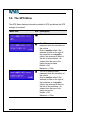
Allows the software to be
upgraded. Contact your local
agent for software upgrade
information.
5
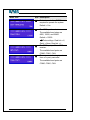
Allows a Self Test to be run on
the system. Individual boom
section outputs, system volume
and status LED’s are exercised.
Page 46
Version 2.0 Rev A