1
appended to the exec.txt file in a temp folder. The errors, if any, are to be appended to the exec.err
file in a temp folder. The command timeout is 600 seconds. The result sets returned by the queries
will be written to the standard output file using a Tab character as a column separator and *nix-like
line endings. A single quote char will be used for quoting values that require quotes.
_____________________
* Either sql or sqlfile should be specified.
** See above
*** Use \\r, \\n, \\t to specify the CR, LF, and Tab characters respectively
**** See above.
12.3.1. Building a command line for Workbench interactively
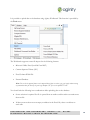
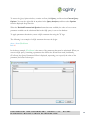
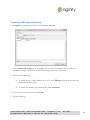
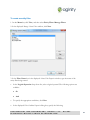
To start creating a command line interactively:
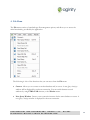
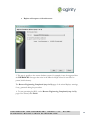
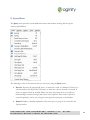
1. On the Menu bar, click Tools, and then select Workbench Command Line Builder>New.
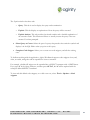
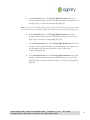
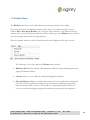
2. In the Command type drop-down list in the displayed Command type dialog box, select the required
command.
Note: Currently, only the Execute SQL command is available.
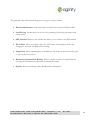
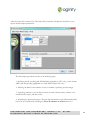
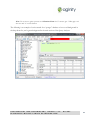
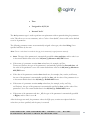
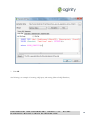
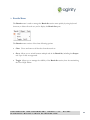
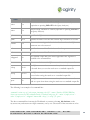
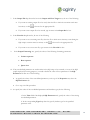
3. In the Connection string box of the displayed Workbench Command Line Builder window, specify the
connection string for the server to be used.
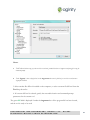
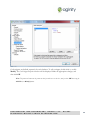
Note: To specify the connection string correctly, click the ellipsis button next to the box, select the appropriate database,
and click Connect.
CONFIDENTIAL AND PROPRIETARY, AGINITY LLC.
DISTRIBUTE WITHOUT PRIOR AUTHORIZATION.
DO NOT
69