1
Operating the 4x1 Multiview Seamless Switcher for HDMI
Chapter
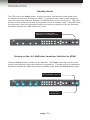
Window Basics
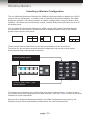
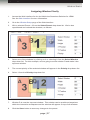
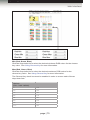
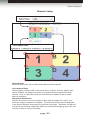
When using multiple windows, multiple window buttons will active. We will continue with
the last example in the Single Window Nomenclature section to the difference.
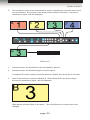
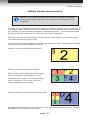
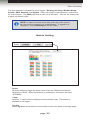
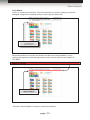
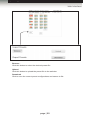
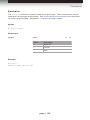
In the illustration, below, Window C has been selected. Input 3 is routed to Window C.
Therefore, the source connected to Input 3 is displayed.
Input 1
Input 2
Input 3
Input 4
Single window displayed
1.
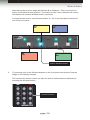
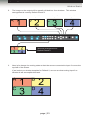
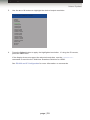
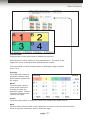
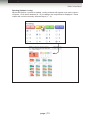
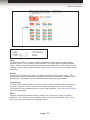
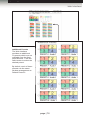
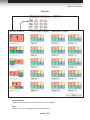
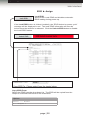
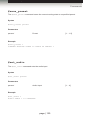
Press the Default 2 button. This will create a basic 2x2 multi-window display.
Press the Default 2 button
page | 22