1
Parallel ATA RAID User’s Guide
4. Auto-configuring a RAID array
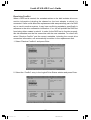
This option allows you to select a supported RAID set for the utility to automatically
configure.
To auto-configure a RAID set:
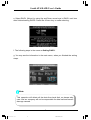
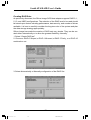
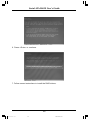
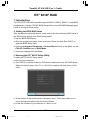
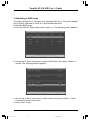
a. From the IT8212F Setup Utility screen, press <1>. The following screen appears.
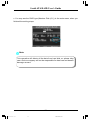
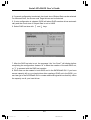
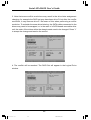
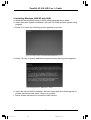
b. Use the left or right arrow keys or the space bar to select a RAID set. As you
select an option, the screen displays the array configuration of the RAID based
on the number of IDE devices installed.
2
2
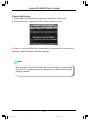
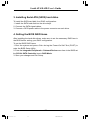
c. Press <Ctrl+Y> to save your RAID set.
d. Press <Esc> to exit.
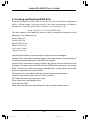
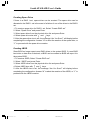
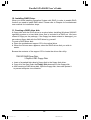
Note: There are five configurations supported:
RAID Type
RAID 0
RAID 1
RAID 0+1
JBOD
IDE
Configurations
Disk Striping
Disk Mirroring
Disk Striping+Mirroring
Disk Concatenation
None
Number of disks needed
2/ 3/ 4
2
4
2/ 3/ 4
1/ 2/ 3/ 4
38
RAID Manual.p65
38
2004-12-15, 9:04