1
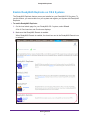
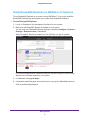
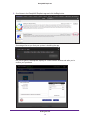
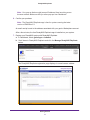
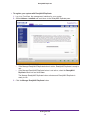
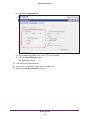
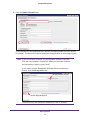
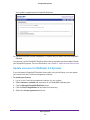
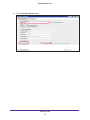
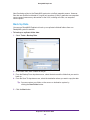
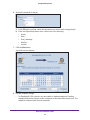
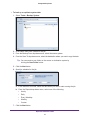
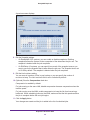
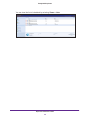
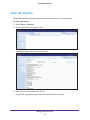
ReadyNAS Replicate To back up or replicate system data: 1. Select Tools > Backup System. 2. In the Name field, enter a name for the job. 3. From the Backup From drop-down menu, select the source system. 4. From the Save To drop-down menu, select the destination where you want to copy the data. Tip: You can create a new folder on the source or destination system by clicking the New Folder button. 5. Click the Next button. 6. Specify a schedule for the job. a. In the Effective from field, select the date when you want to start running the job. b. From the Repeat drop-down menu, select one of the following: • Hourly • Daily • Every Weekday • Monthly • Custom 7. Click the Next button. Replicate and Restore Data 27