1
Chapter 2. Function Operation
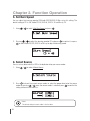
4. When loading has finished, the disc will be ejected automatically.
**Note:
The source disc can be placed in any drive, it will not affect the loading process.
9-3. Set Reader Speed
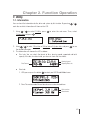
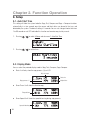
You can adjust the reading speed of the drive which you put the source disc. This function is
ONLY available when you loading the source disc to HDD. The default setting of both CD and
DVD speed are MAX.
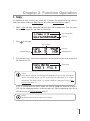
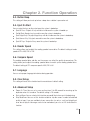
9-4. Show Image Info.
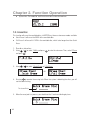
You can check the disc format and data size of image file in this function.
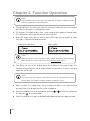
1.Pressing
/
to select 9.HDD Manager and sub menu 4.Show Image Info.
2.Press
to check the disc format and data size of the image file. And you can press
to check other image file’s information.
/
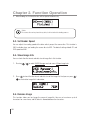
9-5. Rename Image
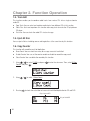
This function allows you to change the name of image file. You can set maximum up to 8
characters for a new name, and NO blank is allowed between the characters.
22