1
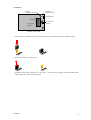
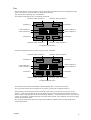
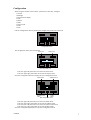
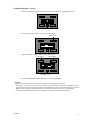
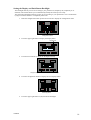
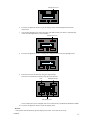
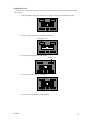
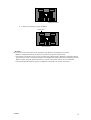
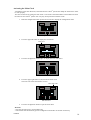
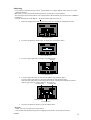
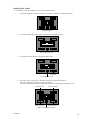
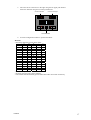
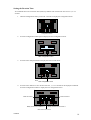
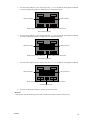
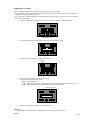
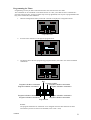
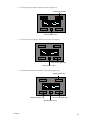
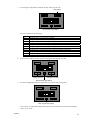
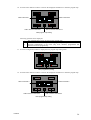
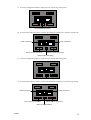
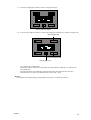
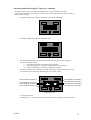
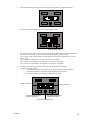
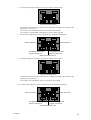
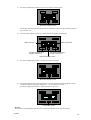
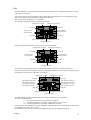
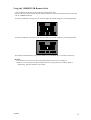
10. Press the lower buttons to add or to remove the displayed command to or from the program step. Label command 2 Label command 1 Add or remove command 1 Add or remove command 2 Next program step setting Following symbols can be displayed: The command has not been accepted in the program step The command has been accepted in the program step. The push button will be activated automatically on the time (day, hour, minutes) programmed and memorized into the program step. 11. Press the configuration button to display the next program step setting menu. Next program step setting 12. Press the lower buttons to add or to remove the displayed command to or from the program step. Label command 3 Label command 4 Add or remove command 3 Add or remove command 4 Next program step setting VMB4PD 24