1
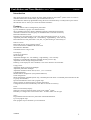
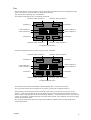
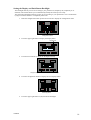
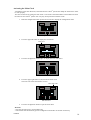
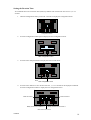
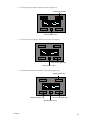
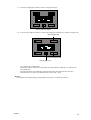
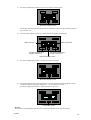
11. Press the configuration button to enter the next timer activation menu.
Next timer activation menu
The module exits the timer activation menu if commands 7 and 8 are not used in the program
(go to section 14).
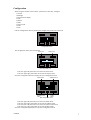
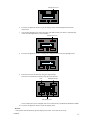
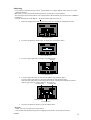
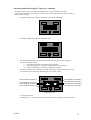
12. Press the lower buttons to activate or deactivate for the displayed commands.
Label command 7
Label command 8
Activate/deactivate timer
program command 7
Activate/deactivate timer
program command 8
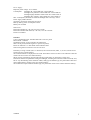
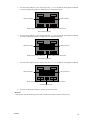
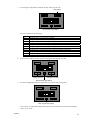
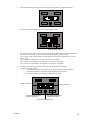
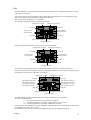
Quit timer activation menu
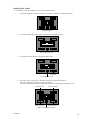
13. Press the configuration button to quit the timer activation menu.
Quit timer activation menu
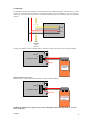
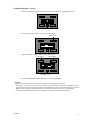
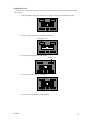
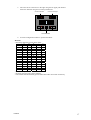
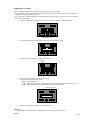
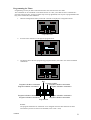
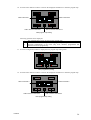
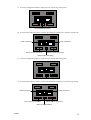
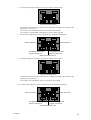
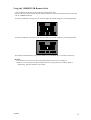
14. The module displays the current time and an overview of the active timer programs (in this
example the timer program for commands 1, 3, 5 and 8 will be executed).
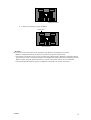
Press the configuration button to display the labels or the clock.
Configuration button
Remark:
The module will automatically quit the timer activation menu after 30 seconds of inactivity.
VMB4PD
30