1
Configuration
When using the module in the Velbus® system for the first time, configure:
• contrast
• backlight
• push button backlight
• clock
• address
• labels
• reaction time
• mode
• timer
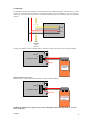
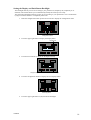
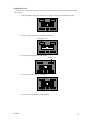
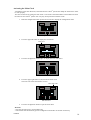
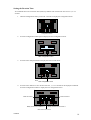
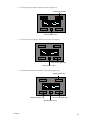
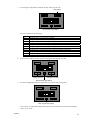
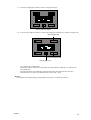
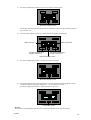
Call the configuration menu by holding the configuration pressed for 4 seconds.
Configuration button
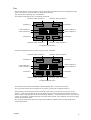
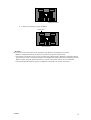
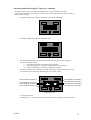
The configuration menu will be displayed.
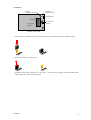
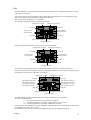
Clock menu
Display menu
Next configuration menu
Press the upper left push button to activate the clock menu.
Press the upper right push button to activate the display menu.
Press the configuration button to display the next configuration menu.
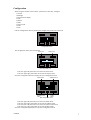
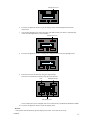
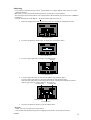
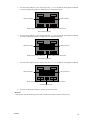
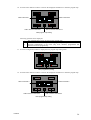
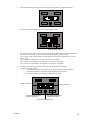
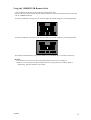
Mode menu
Address menu
Reaction time
Label
menu
editor
Quit configuration menu
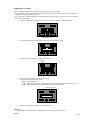
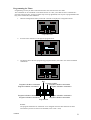
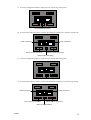
Press the upper left push button to activate the mode menu.
Press the upper right push button to activate the address menu.
Press the lower left push button to activate the reaction time menu.
Press the lower right push button to activate the label editor.
Press the configuration push button to quit the configuration menu.
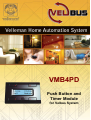
VMB4PD
7