1
NSDL DATABASE MANAGEMENT LTD.
Shipping Bill
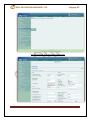
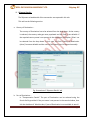
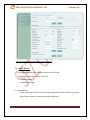
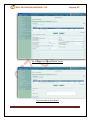
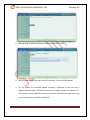
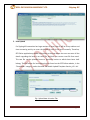
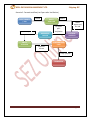
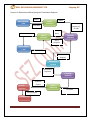
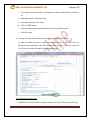
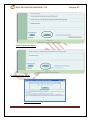
iii. With the help of the browse button, select the text file (.sb file)
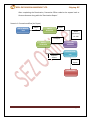
iv. Now, depending upon the type of text file selected, click on UPLOAD button
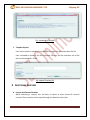
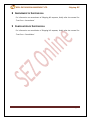
v. For file upload, on successful upload, message is displayed to the user and a
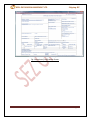
Shipping bill generated in SEZ Online system and a unique request id is allotted to it.
The request may be viewed by clicking on the inbox. Modifications required (if any)
may be done by the user before submission.
SEZ Online Manual
Page 20