1
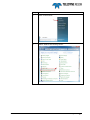
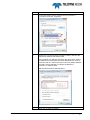
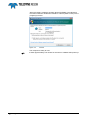
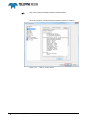
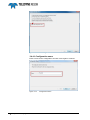
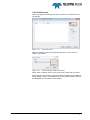
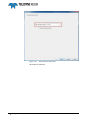
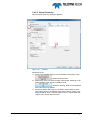
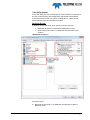
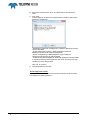
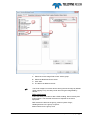
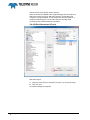
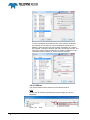
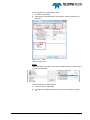
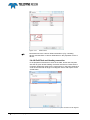
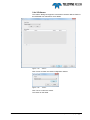
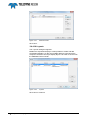
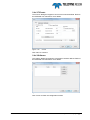
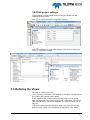
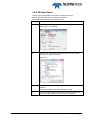
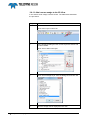
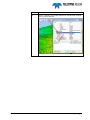
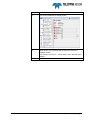
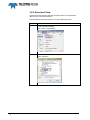
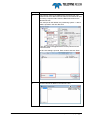
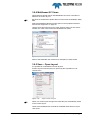
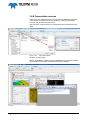
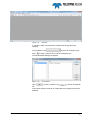
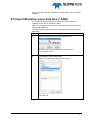
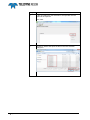
5 Appendix Installing PDS2000 5.1 Introduction This section is a copy from the PDS2000 user manual describing the installation of the PDS2000 software package. 5.2 Install PDS2000 The PDS2000 software is distributed on a CD-Rom. This CD is written according the ISO-9660 standard and can be read from nearly all CDRom stations. A new version of PDS2000 is always available on the ftp-site of RESON. The address is ftp.reson.nl with user name ‘pds2000’ and password ‘getlatestversion’. See also the Help menu of the Control Center. 5.2.1 Start PDS2000 Installation If the option ‘Autorun for CD-Rom’ is selected in the operating system the CD will start automatically when it is inserted and the welcome page of the PDS2000 InstallShield Wizard will appear. In case the CD does not start automatically, follow these steps: a. Select in Windows Explorer the CD and select the file ‘setup.exe’ to start the installation of PDS2000. The welcome page of the PDS2000 InstallShield Wizard will appear. Click on to continue. PDS2000 - BlueView Appendix Installing PDS2000 99