1
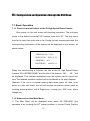
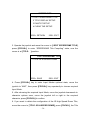
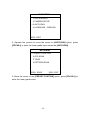
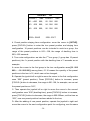
TITLE DISPLAY SETUP
→1 SPEEDDOME TITLE
ON
2 PRESET TITLE
ON
3 DIRECTION TITLE
ON
IRIS+: RETURN
IRIS-: EXIT
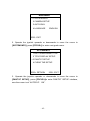
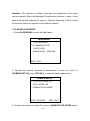
4. There are 3 configuration options under the ―TITLE DISPLAY SETUP‖:
SPEEDDOME TITLE, PRESET TITLE, DIRECTION TITLE.
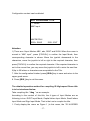
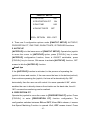
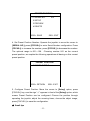
5. Take the operation of displaying IR High-speed Dome Camera Title as an
example. Move the cursor to SPEEDDOME TITLE and press [FOCUS+] key.
There is an ON/OFF switch alternatively. When it is shown as [ON], it means
SPEEDDOME TITLE DISPLAY function is activated. Well, [OFF] means
closed.
6. When the configuration finished, press [IRIS+] key to save and return to
the upper grade menu.
7. Press [IRIS-] to exit the menu without saving.
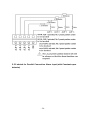
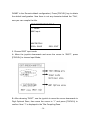
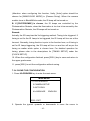
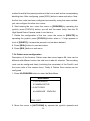
Following the moving of the IR High Speed Dome Camera, the information on
the screen changes accordingly. From the screen, users can see some
current information of the IR High Speed Dome Camera including: Horizontal
and Vertical Angle,
the SPEEDDOME Title, the Preset Position’s Title.
7.3.3 Pan/Tilt parameter configuration
Through the configuration of the Pan/Tilt parameter, the movement of the IR
High Speed Dome Camera can be controlled accordingly, which is very
important for the control of the image.
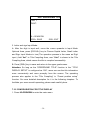
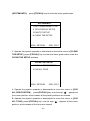
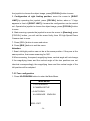
1. press 95+PREVIEW to enter the Main Menu.
- 41 -