1
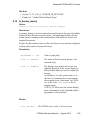
Installing lmgrd as a Service Using installs
18.9 Installing lmgrd as a Service Using installs
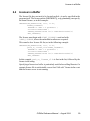
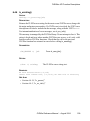
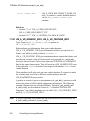
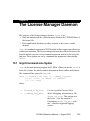
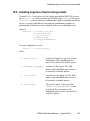
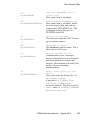
To install lmgrd as a service, use the facility provided in LMTOOLS or use
the installs.exe utility provided by FLEXlm in the platform directory.
installs.exe can be used as a command line utility to manually install the
service, or can be embedded in your end-user installation procedure to
automatically install the service on behalf of the user at installation time.
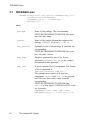
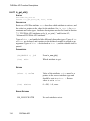
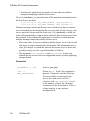
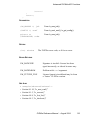
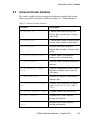
Usage is:
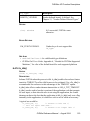
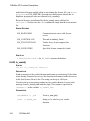
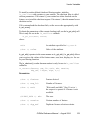
installs
-c license_file_path \
-e lmgrd_location \
-l log_file_path \
-n service_name \
[-k lmgrd parameters]
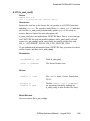
To remove lmgrd as a service:
installs -r -n service_name
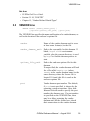
where:
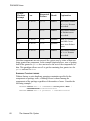
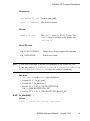
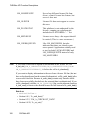
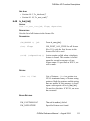
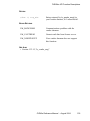
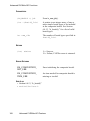
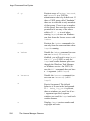
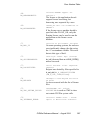
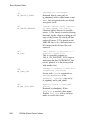
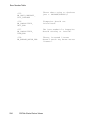
-e lmgrd_location
Location of lmgrd.exe on your system.
Path names with embedded spaces
need to be enclosed in double quotes.
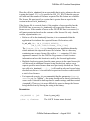
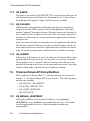
-c license_file_path
Location of the license file. Path
names with embedded spaces need to
be enclosed in double quotes.
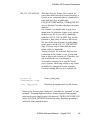
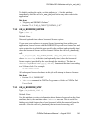
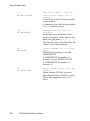
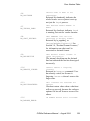
-l log_file_path
Location for the debug log file. Path
names with embedded spaces need to
be enclosed in double quotes.
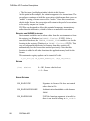
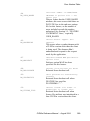
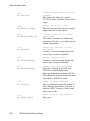
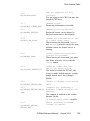
-n service_name
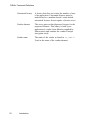
The service name. If not specified,
FLEXlm License Manager is used
by default. Service names with
embedded spaces need to be enclosed
in double quotes.
FLEXlm Reference Manual — August 2004
261