1
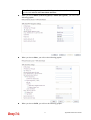
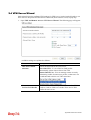
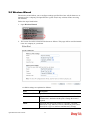
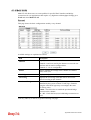
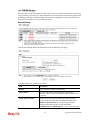
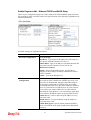
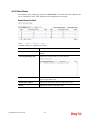
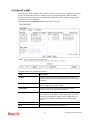
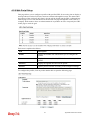
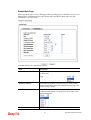
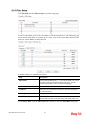
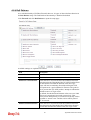
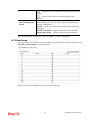
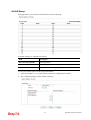
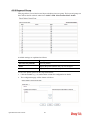
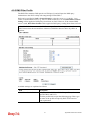
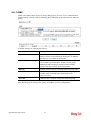
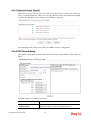
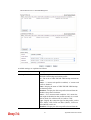
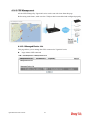
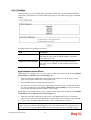
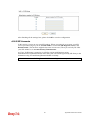
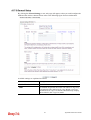
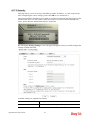
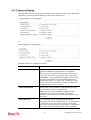
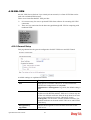
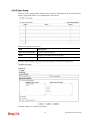
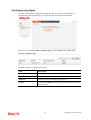
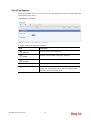
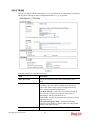
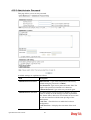
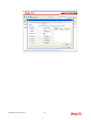
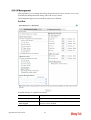
4.17.2 General Setup
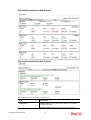
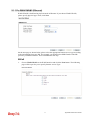
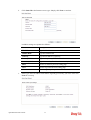
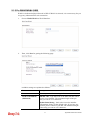
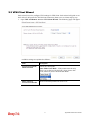
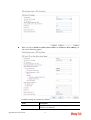
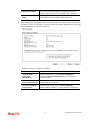
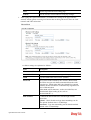
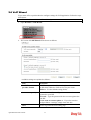
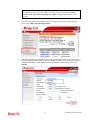
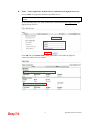
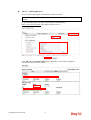
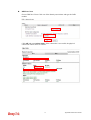
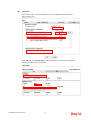
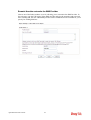
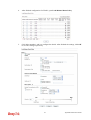
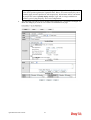
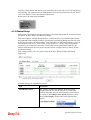
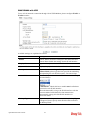
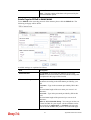
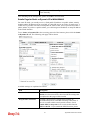
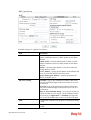
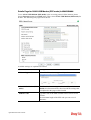
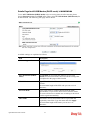
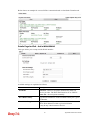
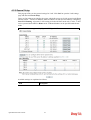
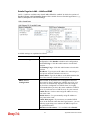
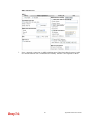
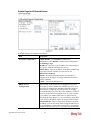
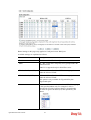
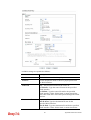
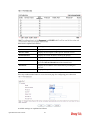
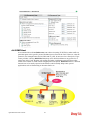
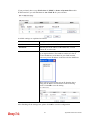
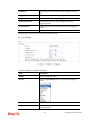
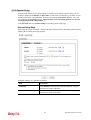
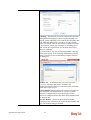
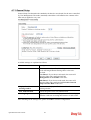
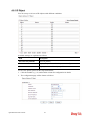
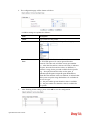
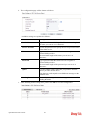
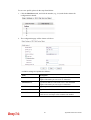
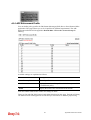
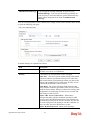
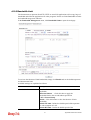
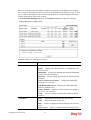
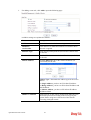
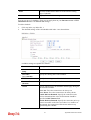
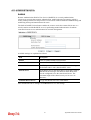
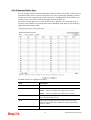
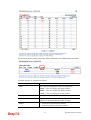
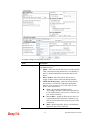
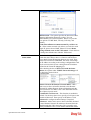
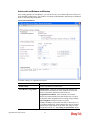
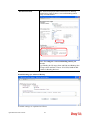
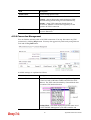
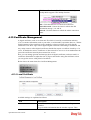
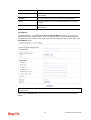
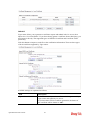
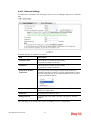
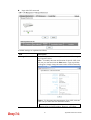
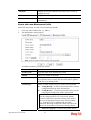
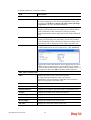
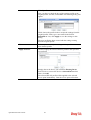
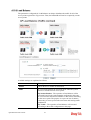
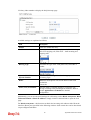
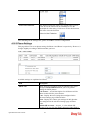
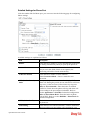
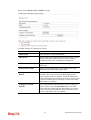
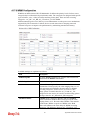
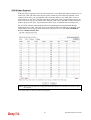
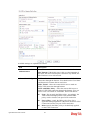
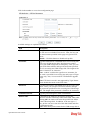
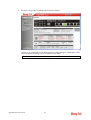
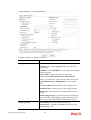
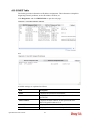
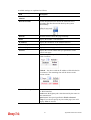
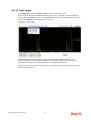
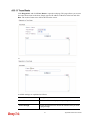
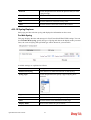
By clicking the General Settings, a new web page will appear so that you could configure the
SSID and the wireless channel. Please refer to the following figure for more information.
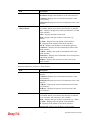
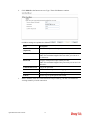
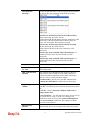
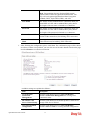
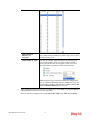
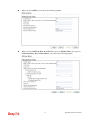
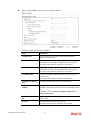
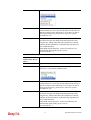
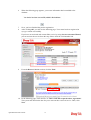
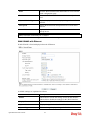
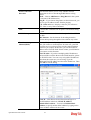
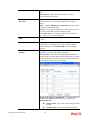
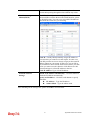
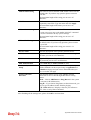
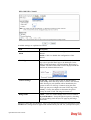
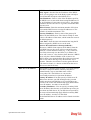
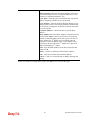
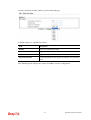
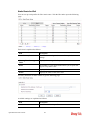
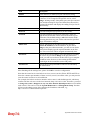
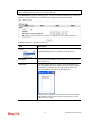
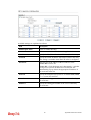
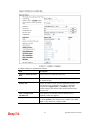
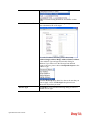
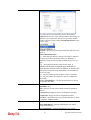
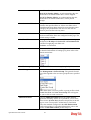
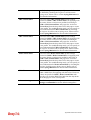
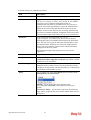
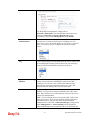
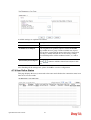
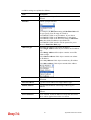
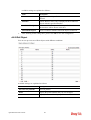
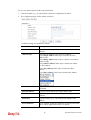
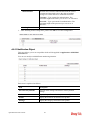
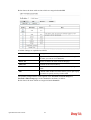
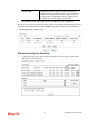
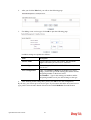
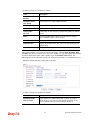
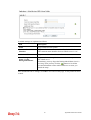
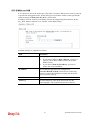
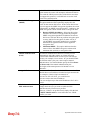
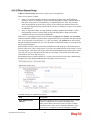
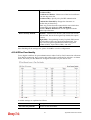
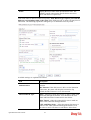
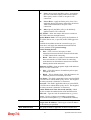
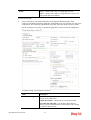
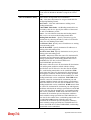
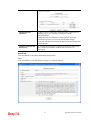
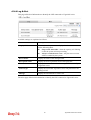
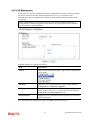
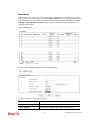
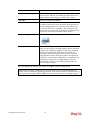
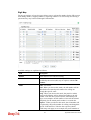
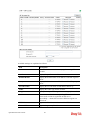
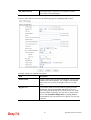
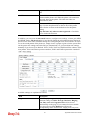
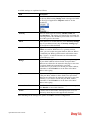
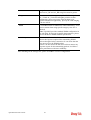
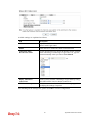
Available settings are explained as follows:
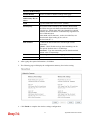
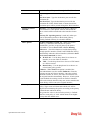
Item
Description
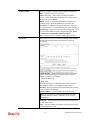
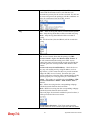
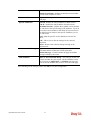
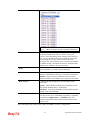
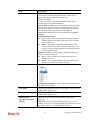
Enable Wireless LAN
Check the box to enable wireless function.
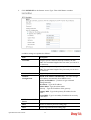
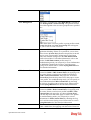
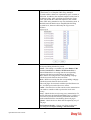
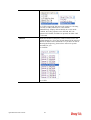
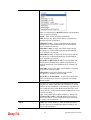
Mode
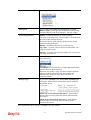
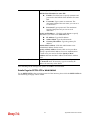
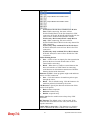
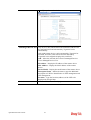
For 2.4GHz: At present, the router can connect to 11g Only,
11n Only(2.4 GHz), Mixed (11b+11g), Mixed (11g+11n),
and Mixed (11b+11g+11n) stations simultaneously. Simply
choose Mixed (11b+11g+11n) mode.
439
Vigor2925 Series User’s Guide