1
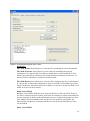
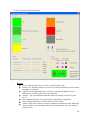
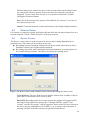
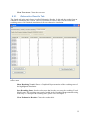
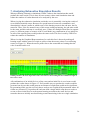
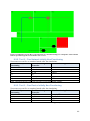
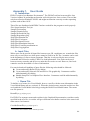
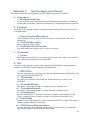
Figure 4: Graphical Representation of the Edit Vessel type. Source: Own.
6.3.1. Menu
File
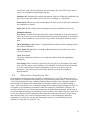
Save: The present networks and devices are saved separately to the specified files.
Load: Networks and devices are loaded separately from the specified files. The
loaded networks and devices are set as functioning.
Close Frame: Closes the current Vessel Model frame.
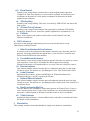
Setup
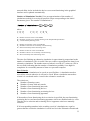
Set All As Functioning: Sets all rooms as non-burning and not containing smoke.
All networks and devices are set as functioning.
Reset Vessel Model to Loaded: Reloads the rooms, networks and devices files
specified in the Vessel Model Setup tab. If there has been changes made to the
Vessel Model, these will not be saved before the files are reloaded.
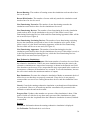
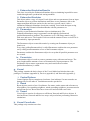
Save Setup: Saves the setup of the current Vessel Model (not the Vessel Model
itself). The pathway to the files with rooms, networks and devices are stated in the
header of this saved file. The user specifies the filename to be saved in a pop-up
browser. The saved Vessel Model setup file is editable if it is saved here and can
hence be modified later by loading the setup file.
21