1
ClubExpress User Manual – Version 5.5
INSERT AUDIO/VIDEO/FLASH
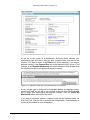
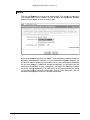
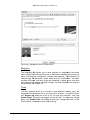
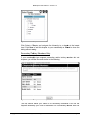
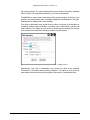
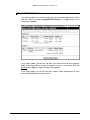
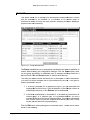
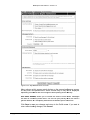
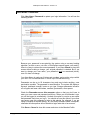
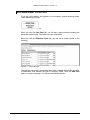
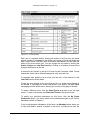
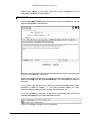
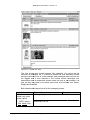
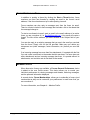
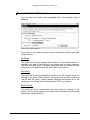
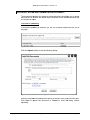
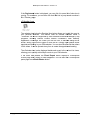
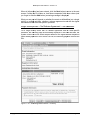
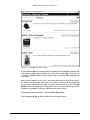
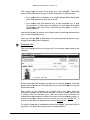
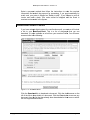
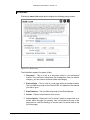
When you click the Insert Audio/Video/Flash icon, you will see a small dropdown menu. The first choice allows you to insert an audio, video, or Flash file
uploaded to the website at the cursor position, while the second choice allows
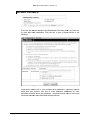
you to insert a link to a YouTube or Vimeo video which will then play within your
website.
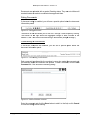
Uploading and Playing Media Files
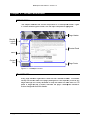
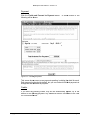
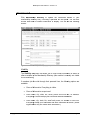
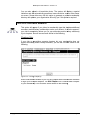
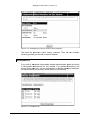
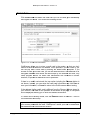
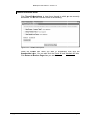
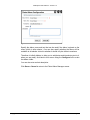
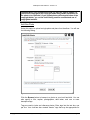
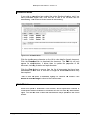
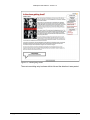
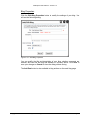
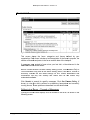
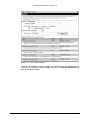
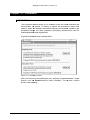
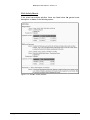
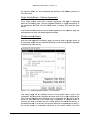
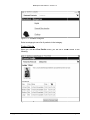
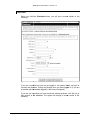
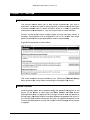
Selecting the first choice displays the following dialog:
Figure 19.6 – Insert Audio, Video, Flash
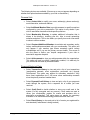
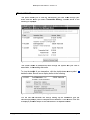
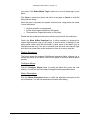
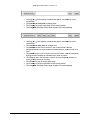
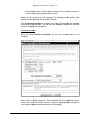
Select the first radio button to upload a new file and store it in a folder within the
Documents module. Select the destination folder and the file from your local hard
disk. Click the second radio button to select a folder and a file from that folder
that was previously uploaded.
Copyright 2004-2013 – Gembrook Systems – All Rights Reserved
Page 143