1
ClubExpress User Manual – Version 5.5
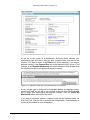
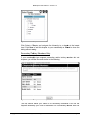
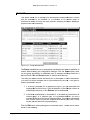
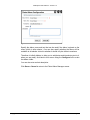
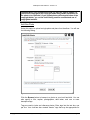
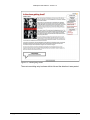
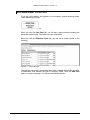
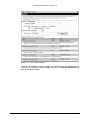
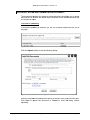
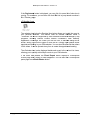
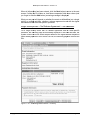
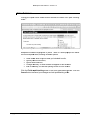
current user is logged in, the following screen will be displayed. If you are not
logged in, the Login screen will first be displayed. Visitors will then click their
back button to return to the previous screen while members will log in to view the
screen above.
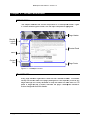
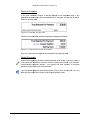
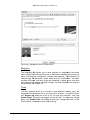
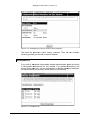
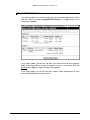
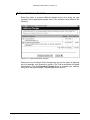
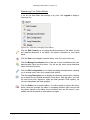
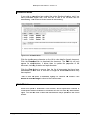
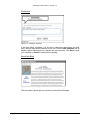
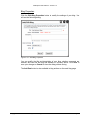
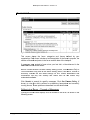
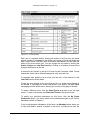
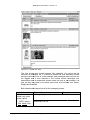
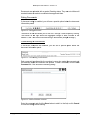
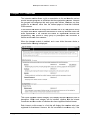
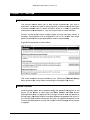
Figure 13.2 – Interest Members
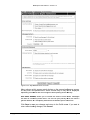
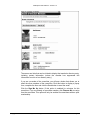
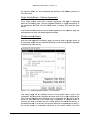
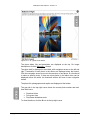
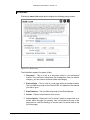
This screen shows the members who have registered for the Interest. Each
member is shown with his or her name, city, state and email address. The name
is a link that will display that member’s Directory entry.
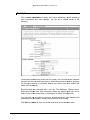
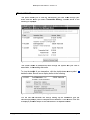
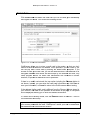
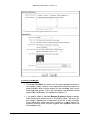
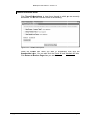
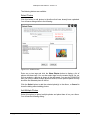
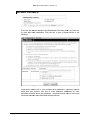
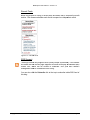
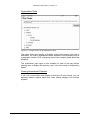
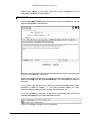
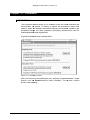
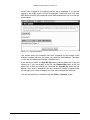
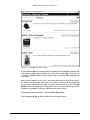
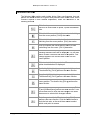
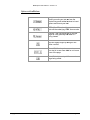
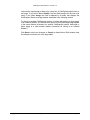
If you are not on the list, the Sign Me Up button at the top allows you to join the
Interest list. If you are already on the list, the Remove Me button at the top
allows you to leave the Interest list. Note that the Sign Me Up button will not
appear if your club or association has set a maximum number of interests that
you can sign up for within a category and if you have reached this maximum.
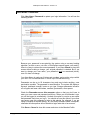
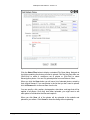
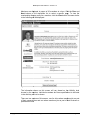
You can also specify your Interests using the Profile – Interests screen.
Copyright 2004-2013 – Gembrook Systems – All Rights Reserved
Page 114