1
3 Functions
3.3 Setting modes
3.3 Setting modes
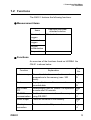
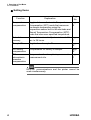
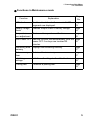
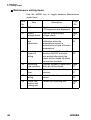
Selecting the Setting mode expands the uses of the
meter.
3.3.1 Entering the Setting mode
1.
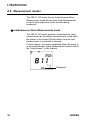
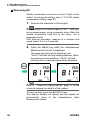
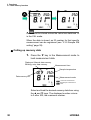
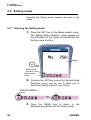
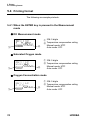
Press the SET key in the Measurement mode.
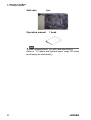
The Setting Mode Selection cursor appears at
the left-bottom of the screen to indicate that the
Setting mode is active.
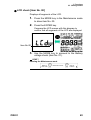
Display
Setting Mode
Selection cursor
Setting mode
items
2.
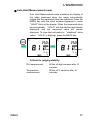
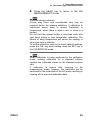
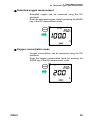
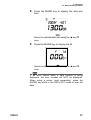
Pressing the SET key moves the Setting Mode
Selection cursor one by one to allow you to
select the Setting mode of your choice.
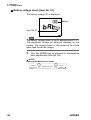
Setting Mode Selection
cursor
3.
34
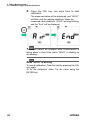
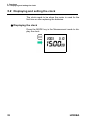
Press the MEAS key to return to the
Measurement mode from the Setting mode.
HORIBA