1
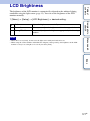
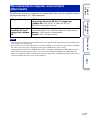
The brightness of the LCD monitor is automatically adjusted to the ambient lighting
conditions using the light sensor (page 11). You can set the brightness of the LCD
monitor manually.
Table of
contents
LCD Brightness
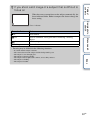
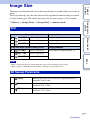
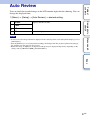
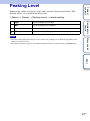
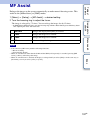
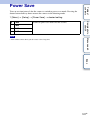
1 [Menu] t [Setup] t [LCD Brightness] t desired setting.
Adjust the brightness automatically.
Manual
Allows you to adjust the brightness within the range of –2 to +2.
Sunny Weather
Automatically adjusts the brightness appropriately for shooting
outdoors.
Menu search
Notes
• When this is set to [Auto], do not cover the light sensor with your hand and so on.
• When using the camera with the AC-PW20 AC Adaptor (sold separately), the brightness of the LCD
monitor is always set as bright as +2 even if you select [Auto].
Sample photo
search
Auto
Index
121GB