1
Notes on using the camera
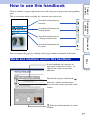
Click on a button at upper right on the cover and each page to jump to the corresponding
page.
This is convenient when searching for a function you want to use.
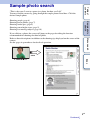
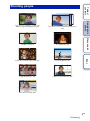
Sample photo
search
Search for information by
function.
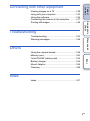
Table of
contents
How to use this handbook
Search for information by
sample photos.
Menu search
Search for information in
a listing of menu items.
Search for information by
keyword.
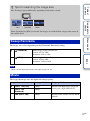
You can jump to the pages by clicking on the page numbers mentioned in the book.
Index
Marks and notations used in this handbook
In this handbook, the sequence of
operations is shown by arrows (t).
Operate the camera in the order
indicated.
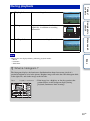
The default setting is indicated by
.
Indicates cautions and limitations
relevant to the correct operation of the
camera.
z Indicates information that is useful
to know.
2GB