1
Introduction to windows programming 237
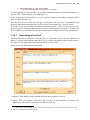
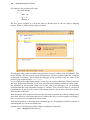
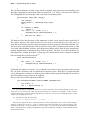
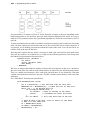
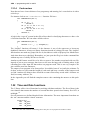
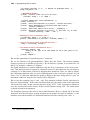
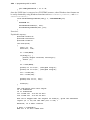
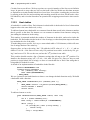
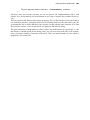
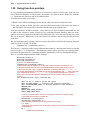
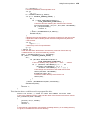
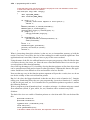
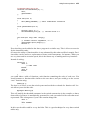
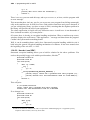
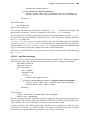
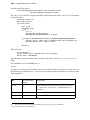
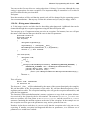
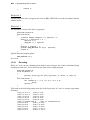
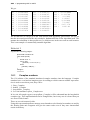
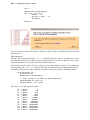
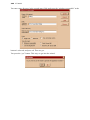
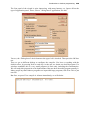
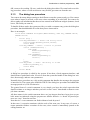
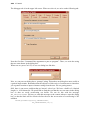
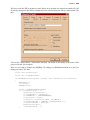
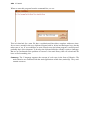
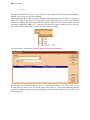
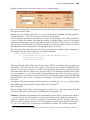
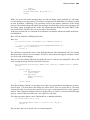
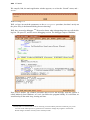
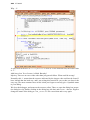
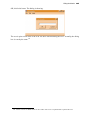
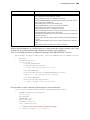
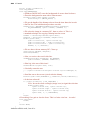
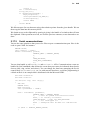
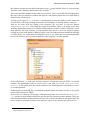
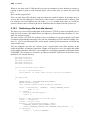
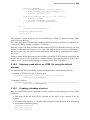
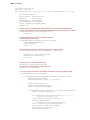
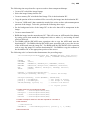
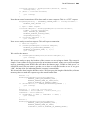
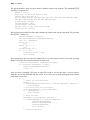
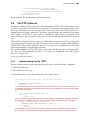
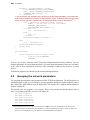
OK, seems to be working. We save, and close the dialog box editor. We come back to our dialog procedure, where we will use this new entry field to get some text from the user.
2.1.3
The dialog box procedure
You want to do many things reacting to the different events the system sends you. You want to
react when a button is pressed, or the user writes something in an edit field; You want to be
able to gather all information that the user has entered in the different widgets (buttons, check
boxes, edit fields you name it).
To handle all those tasks, the system provides you with a common entry point: the dialog box
procedure, that should handle all events that you are interested in.
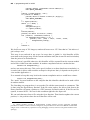
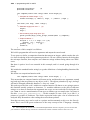
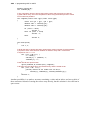
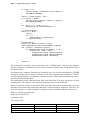
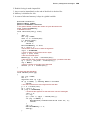
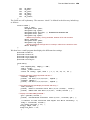
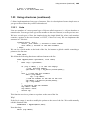
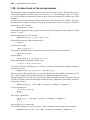
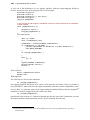
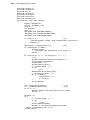
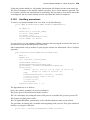
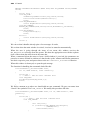
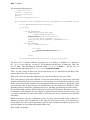
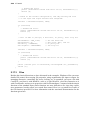
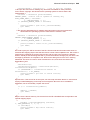
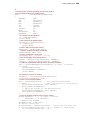
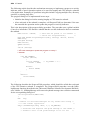
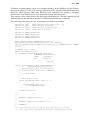
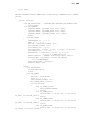
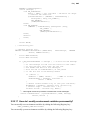
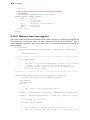
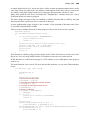
Here is an example
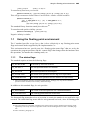
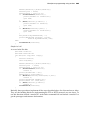
static BOOL CALLBACK DialogFunc(HWND hwndDlg, UINT msg, WPARAM wParam,
LPARAM lParam)
{
switch (msg) {
case WM_INITDIALOG: // Event: the dialog starts
InitializeApp(hwndDlg,wParam,lParam);
return TRUE;
case WM_COMMAND: // Event: a button is pressed
switch (LOWORD(wParam)) {
case IDOK:
EndDialog(hwndDlg,1);
return 1;
case IDCANCEL:
EndDialog(hwndDlg,0);
return 1;
}
break;
case WM_CLOSE: // Event: the dialog is closed
EndDialog(hwndDlg,0);
return TRUE;
}
return FALSE;
}
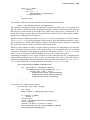
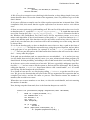
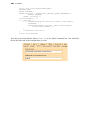
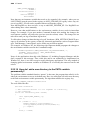
A dialog box procedure is called by the system. It has then, a fixed argument interface, and
should return a predefined value. It receives from the system the handle of the dialog box window, the message, and two extra parameters.
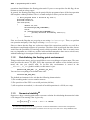
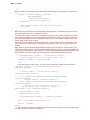
Normally these procedures are a big switch statement that handles the messages the program
is interested in. The return value should be TRUE if the dialog box procedure has handled the
message passed to it, FALSE otherwise.
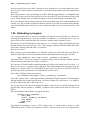
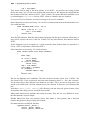
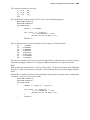
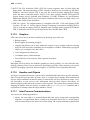
The general form of a switch statement is very simple: you have the switch expression that
should evaluate to an integer and then you have several “cases” that should evaluate to compile time constants.
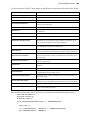
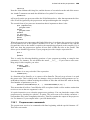
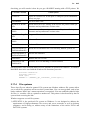
All those names in the switch statement above are just integers that have been given a symbolic name in windows.h using the preprocessor #define directive. A “break” keyword separates one “case” from the next one.
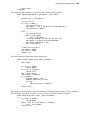
Note that in C a case statement can finish without a break keyword.
In that case (!) execution continues with the code of the next case. In any case, of course, a
return statement finishes execution of that case, since control is immediately passed to the
calling function.106