1
306
C Tutorial
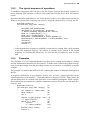
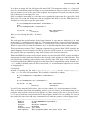
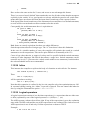
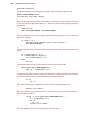
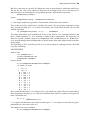
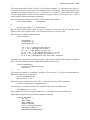
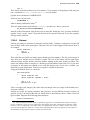
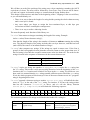
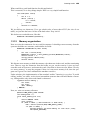
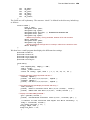
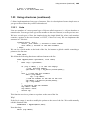
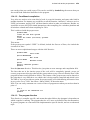
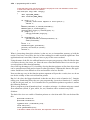
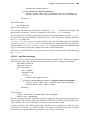
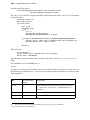
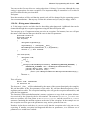
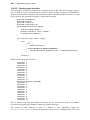
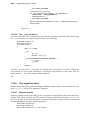
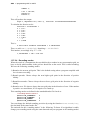
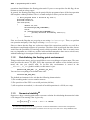
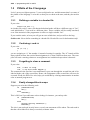
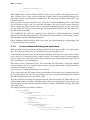
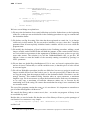
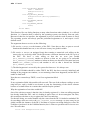
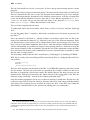
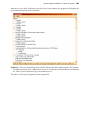
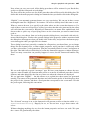
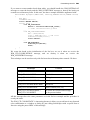
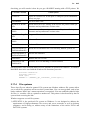
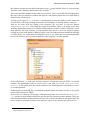
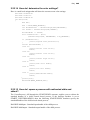
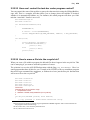
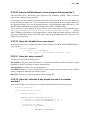
between each character.134 Our drawing procedure “DoPaint” will make a mapping between
the bitmap colors and the color we want to give to our simulated display.
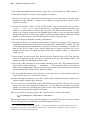
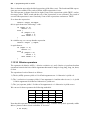
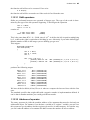
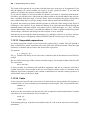
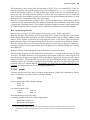
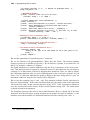
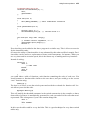
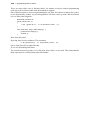
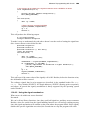
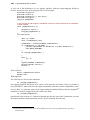
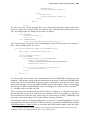
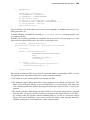
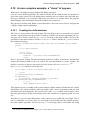
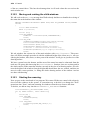
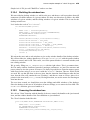
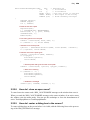
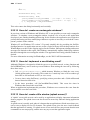
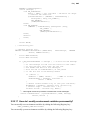
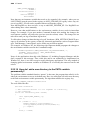
To draw the characters, we will make a memory display context, where we will store the bitmap of characters. When we want to draw one char, we will copy from the memory bitmap to
the display window the portion of the bitmap that contains our character, translating the colors
as we go. We have to take care of scrolling if necessary, and many other things. The purpose
here is not to show you how you implement the best ever lcd display in a PC, but to show the
interfaces of a custom control so we will keep the logic to the bare minimum.
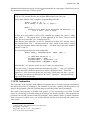
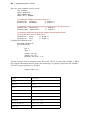
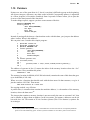
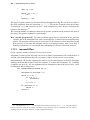
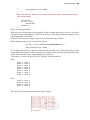
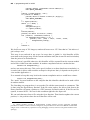
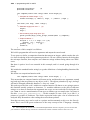
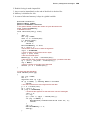
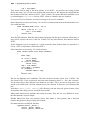
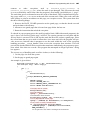
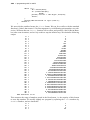
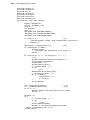
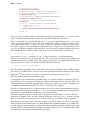
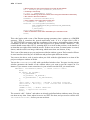
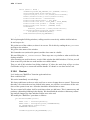
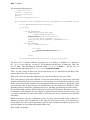
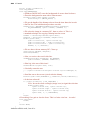
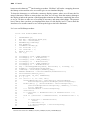
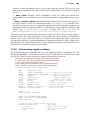
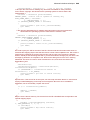
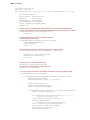
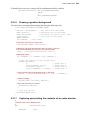
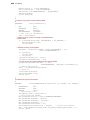
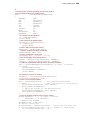
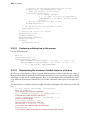
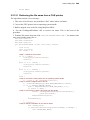
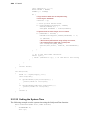
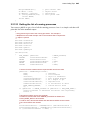
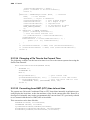
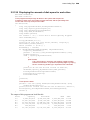
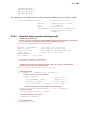
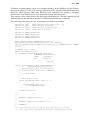
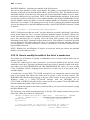
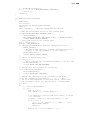
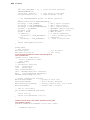
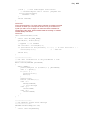
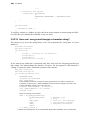
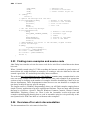
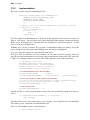
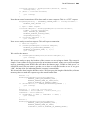
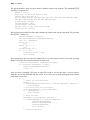
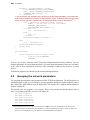
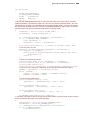
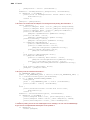
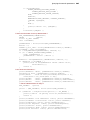
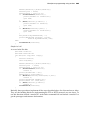
Let’s see our DoPaint procedure:
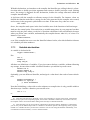
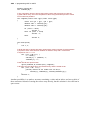
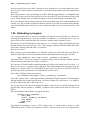
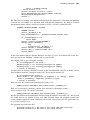
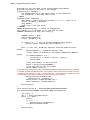
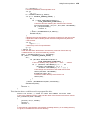
static void DoPaint(HWND hwnd)
{
1
PAINTSTRUCT ps;
2
HDC hDC = BeginPaint(hwnd,&ps);
3
int len = strlen(Text);
4
HBITMAP bmp,oldBitmap;
5
HDC dcMemory;
6
COLORMAP ColorMap[4];
7
int charcount = 0;
8
int linecount = 1;
9
RECT m_rect,rc;
10
int x,y;
12
13
14
15
16
17
18
19
20
21
22
23
24
25
26
27
28
29
30
31
32
33
34
35
36
37
38
39
40
41
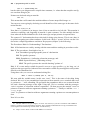
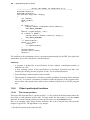
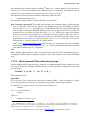
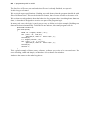
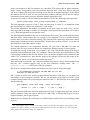
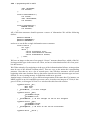
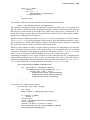
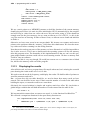
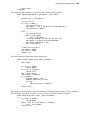
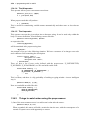
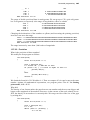
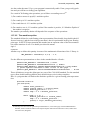
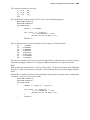
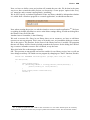
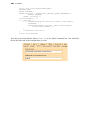
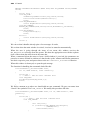
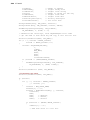
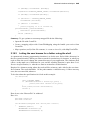
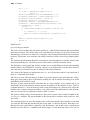
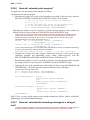
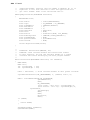
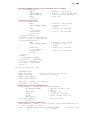
ColorMap[0].from = SEGM_COLORS[0];
ColorMap[0].to = PixelOnColor;
ColorMap[1].from = SEGM_COLORS[1];
ColorMap[1].to = PixelOffColor;
ColorMap[2].from = SEGM_COLORS[2];
ColorMap[2].to = PixelBackColor;
bmp = CreateMappedBitmap(hInst, ResourceId, 0, ColorMap, 3);
dcMemory = CreateCompatibleDC(hDC);
oldBitmap = SelectObject(dcMemory,bmp);
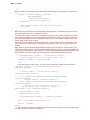
HBRUSH hbBkBrush = CreateSolidBrush(PixelBackColor);
GetClientRect(hwnd,&m_rect);
FillRect(hDC, &m_rect, hbBkBrush);
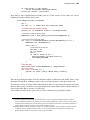
x = y = 0;
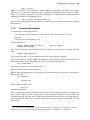
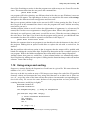
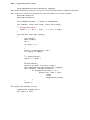
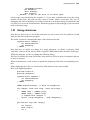
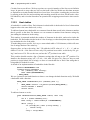
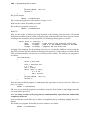
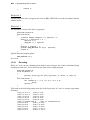
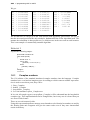
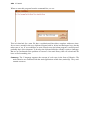
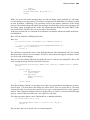
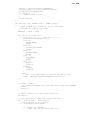
for (int ix = 0; ix < len; ix++){
GetCharBmpOffset(&rc, (char)Text[ix],CharacterWidth,
CharacterXSpacing,CharacterHeight,CharacterYSpacing);
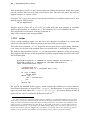
BitBlt(hDC,x, y, (CharacterWidth + CharacterXSpacing),
(CharacterHeight+CharacterYSpacing), dcMemory, rc.left,
rc.top, SRCCOPY);
x += CharacterWidth + CharacterXSpacing;
charcount++;
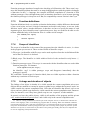
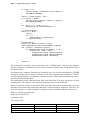
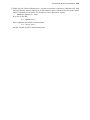
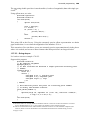
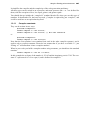
if ((charcount == MaxXCharacters) && MaxYCharacters == 1)
break;
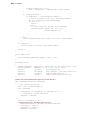
else if ((charcount == MaxXCharacters) && MaxYCharacters > 1)
{
if (linecount == MaxYCharacters)
break;
x = charcount = 0;
y += CharacterHeight + CharacterYSpacing;
linecount++;
134.The exact values are: RGB(63,181,255), RGB(23,64,103), and RGB(0,0,0).