1
Filling the blanks
287
structure and the designers of the system can modify it without affecting any code that uses
them. Most of the windows data structures are used this way: an opaque “HANDLE” is
given that discloses none of the internals of the object it is pointing to.
2.12 Filling the blanks
Input goes through dialog boxes under windows. They are ubiquitous; so let’s start to fill our
skeleton with some flesh. Let’s suppose, for the sake of the example that we want to develop a
simple text editor. It should read some text, draw it in the screen, and provide some utilities
like search/replace, etc.
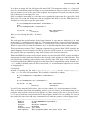
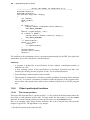
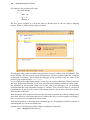
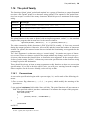
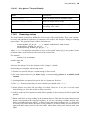
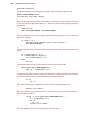
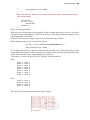
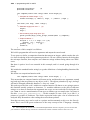
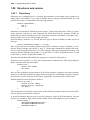
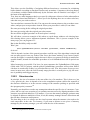
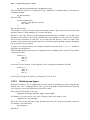
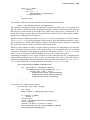
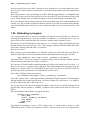
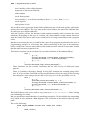
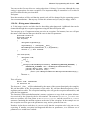
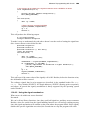
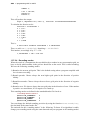
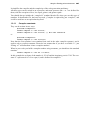
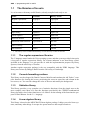
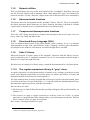
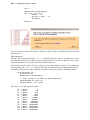
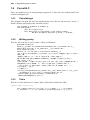
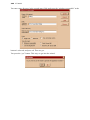
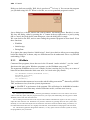
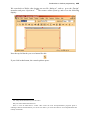
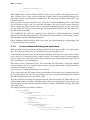
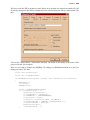
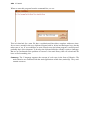
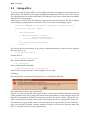
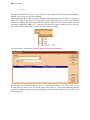
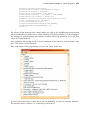
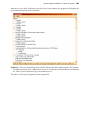
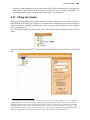
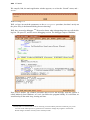
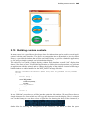
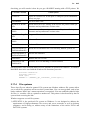
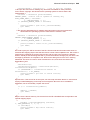
First, we edit our menu, and add an “edit” item. We open the directory window, and select the
menu:
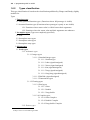
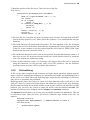
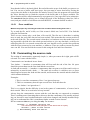
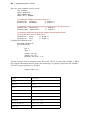
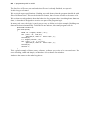
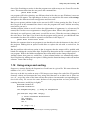
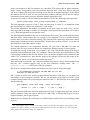
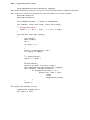
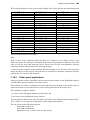
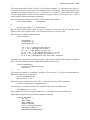
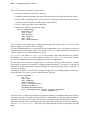
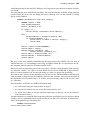
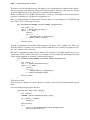
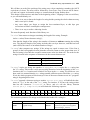
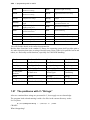
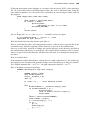
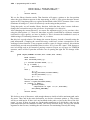
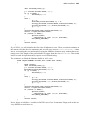
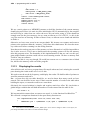
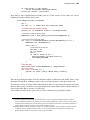
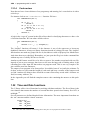
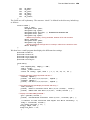
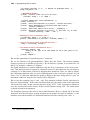
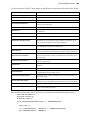
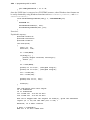
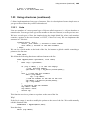
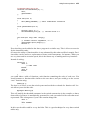
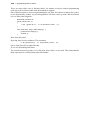
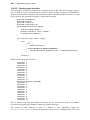
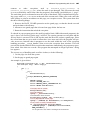
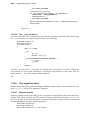
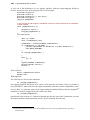
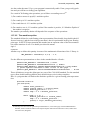
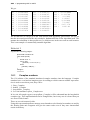
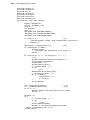
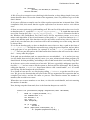
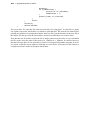
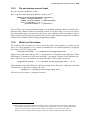
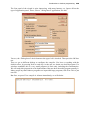
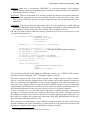
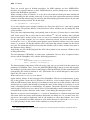
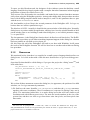
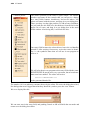
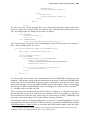
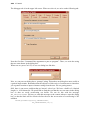
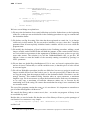
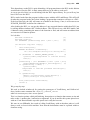
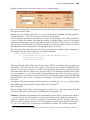
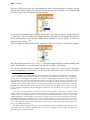
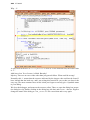
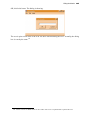
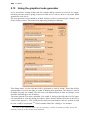
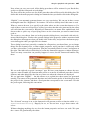
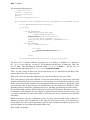
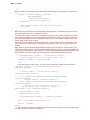
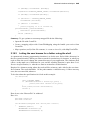
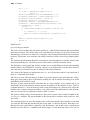
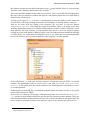
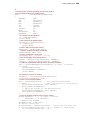
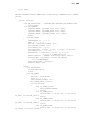
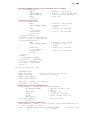
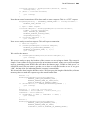
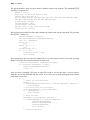
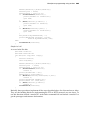
We arrive at the menu editor128. If we open each branch of the tree in its left side, it looks like
this:
128. This type of interface requires an action from the part of the user to indicate when it is finished
modifying the name and desires to “apply” the changes. Another possibility would be that the resource editor
applies the changes letter by letter as the user types them in, as some other editors do. This has the advantage
of being simpler to use, but the disadvantage of being harder to program and debug. As always, an the
appearance of the user interface is not only dictated by the user comfort, but also by the programming effort
necessary to implement it. You will see this shortly when you are faced with similar decisions.