1
GN Series Hardware Manual
3.10 Accessing Internal Components
3.10.2 Replacing the Lithium Battery
The motherboard is equipped with a lithium battery.
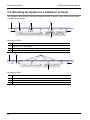
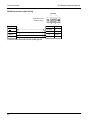
Location of the lithium battery
1
Lithium battery
2
Motherboard
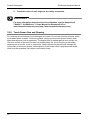
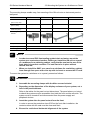
WARNING
!
There is a risk of explosion if the battery is replaced by an
incorrect type. The lithium battery must be replaced with an
identical battery or of the same battery type (lithium battery 3,0V
for a real-time clock, type: CR2032). The lithium battery type must
be UL-listed.
To replace this battery, please proceed as follows:
1.
2.
3.
Procedure
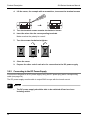
1. Close all applications and shut down the system properly
2. Disconnect the power cord from the power supply
3. Disconnect all peripheral devicess
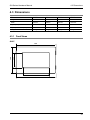
The system should lay on a flat, clean surface with the front panel facing
downwards. Make sure that the display surface is protected against scratching
and damage.
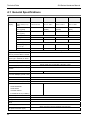
4. GN07: Unscrew the screws that secure the cover
GN10/12/15: Unscrew the screws that secure the metal cover on the
optional interface area
5. Remove the cover and put it aside
41