1
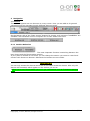
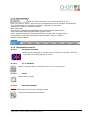
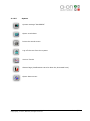
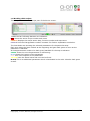
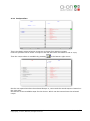
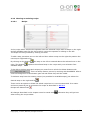
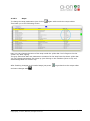
3 Navigation 3.1 General The main navigation bar can be seen on every screen. Here you are able to do general operations such as navigate through different device screens. On the bottom side of the “Start screen” buttons for closing, and minimize “beraBREW” are available. Also Windows and the computer can be shut down from there. 3.1.1 Section Selection The most important function is switching between the brew house and the Fermentation section. If your plant is divided on two PLC’s you can change the section you want to control and monitor with these two buttons. Otherwise the buttons are not visible. ADVICE! You can only access the devices which are on the same section as chosen. Also only the alarms will forwarded which appear on the section you are at. When you are at Fermentation you won’t get notifications such as “Lautertun sparging error” BeraBrew_User_Manual.docx.doc Version Copyright ©, a-on AG, München, All rights reserved 0.1 Seite 5/23