1
Clock/Alarm
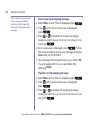
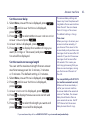
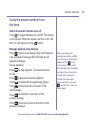
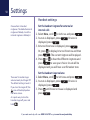
Set an alarm
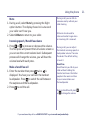
1. Select Menu, scroll to Clock/Alarm and
.
press
2. Alarm is displayed, press
.
3. Press or to display the alarm frequency you
want: Off, On Once, On Daily, Mon to Fri or Sat & Sun
.
and press
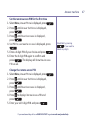
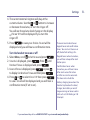
4. Enter the alarm time using the keypad and
.
press
5. Press or to hear and choose the alarm melody
you want, press
to confirm your choice.
6. You will hear a confirmation tone and the display will
briefly show Alarm on and the time you have set.
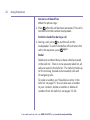
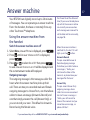
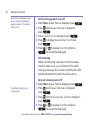
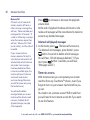
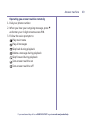
Stopping the alarm when it goes off
When the alarm goes off, the selected melody
will play at an ascending volume and the handset
backlight will flash. The display will show the alarm
time and also the message 10 min snooze?
To stop the alarm, press or
or .
To activate a ten minute snooze, press
or
any other button (except or ).
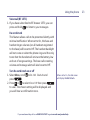
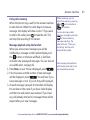
If you select Off and press
the display will show
Alarm off and you will hear a
confirmation tone.
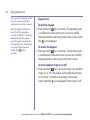
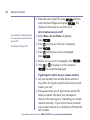
When you’ve set an alarm, the
icon will appear on the idle
screen to confirm an alarm has
been set.
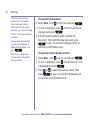
If an incoming call is received
while the alarm is going off,
the alarm notification will
immediately stop and the
incoming call will be shown
on the display. The alarm will
not resume.
If you need some help, call us on 0800 145 6789* or go to www.bt.com/producthelp
59